
Fault diagnosis
Security system troubleshooting
Troubleshooting is the work of finding out why a system is not behaving as it should — before any money is spent replacing equipment that may not be the cause.
Where practical, we can assess systems we did not install. The starting point is always diagnosis: what is actually failing, and why.
What troubleshooting covers
A diagnostic visit is shaped by the symptom. It may involve:
Symptom review
Understanding what fails, when it started and what changed beforehand.
Device testing
Checking individual cameras, readers, detectors or stations.
Power checks
Supplies, distribution and standby batteries tested at the equipment.
Cable and connection testing
Terminations, runs and joints checked for damage or interference.
Recorder and controller checks
Configuration, logs, storage and fault indications reviewed.
Network checks
Connectivity, addressing and switch behaviour where devices are networked.
Configuration review
Whether the fault is a setting rather than a hardware failure.
Environmental factors
Water ingress, insects, vegetation, heat and physical damage.
Findings
A plain explanation of what was found and what is causing it.
Recommendation
Repair, reconfiguration, replacement — or that the equipment is beyond economic repair.
Troubleshooting establishes the cause and the options. Some faults are resolved during the visit; others need parts, further work or replacement equipment. We do not promise a repair before we know what is wrong.
Systems we can assess
We can assess systems originally installed by others, where the equipment is accessible and the site can be worked on safely.
CCTV surveillance
No image, poor image, missing footage, storage or remote viewing faults.
Access control
Doors not releasing, readers not responding, credentials or controller faults.
Electric fencing
Loss of voltage, constant alarms, earthing or energiser faults.
Intruder alarms
False triggers, zones not reporting, panel or battery faults.
Fire detection
Panel fault indications, zone faults and devices not testing correctly.
Intercom systems
Calls not connecting, no audio or video, gate release not operating.
Networking
Devices dropping off, no connectivity, remote access failing.
Fibre optics
Loss of link on fibre runs, conversion and termination faults.
When to call for troubleshooting
- Cameras are offline, showing no image or recording nothing.
- Footage exists but cannot be found, played back or exported.
- A door, gate or lock no longer responds to valid credentials.
- An alarm triggers repeatedly with no apparent cause.
- An electric fence alarms constantly or has lost voltage on part of the line.
- A fire panel shows a persistent fault indication.
- Remote viewing worked previously and has stopped.
- The original installer is unavailable and nobody knows how the system was wired.
How fault diagnosis runs
- 01
Describe the fault
What is failing, when it started and anything that changed.
- 02
Initial remote assessment
Some faults can be narrowed down before anyone travels.
- 03
Attend the site
A visit is arranged where the fault needs hands on the equipment.
- 04
Trace the system
Devices, cabling, power and the recorder or panel followed through.
- 05
Isolate the cause
Testing narrows the fault down to a device, cable, power or setting.
- 06
Explain the findings
What is wrong, in plain terms, and what the options are.
- 07
Resolve or quote
Straightforward issues are corrected; larger work is quoted.
- 08
Verify and advise
The system is retested and any follow-up work is set out.
Intermittent faults can take more than one visit to pin down. We will be clear about that rather than guess.
What to tell us when you enquire
None of this is mandatory, but the more of it you can share, the fewer questions we need to come back with.
Site location
The area or town, so a visit can be planned.
System affected
CCTV, access control, fencing, alarm, fire, intercom or networking.
Symptom
Exactly what happens — and what should happen instead.
When it started
Approximate date, and whether it was sudden or gradual.
What changed
Power outage, storm, building work, network change or new equipment.
Equipment details
Make and model of the recorder, panel or controller if known.
Photos or video
Error messages, fault lights or the screen showing the problem.
Access and credentials
Whether logins for the equipment are available on site.
Related services
Diagnosis frequently points towards maintenance, a configuration correction, network work or an upgrade.
Maintenance
Maintenance is planned attention to a working system so that faults are found while they are still small — and so that the system is actually recording, detecting and reporting when it is needed.
Configuration & Commissioning
Configuration and commissioning is the work that turns installed hardware into a system that behaves the way you need it to — recording the right things, admitting the right people and alerting the right person.
Upgrades
An upgrade extends or modernises a system you already have — adding coverage, replacing what is failing and improving the parts that limit everything else, without discarding equipment that still does its job.
Networking
Networking as a service is the cabling, switching and connectivity work that gets devices talking to each other — most often so a security system can record, be reached remotely and stay online.
Related equipment
Components that commonly turn out to be behind a fault. Replacement is only recommended once the cause is confirmed.
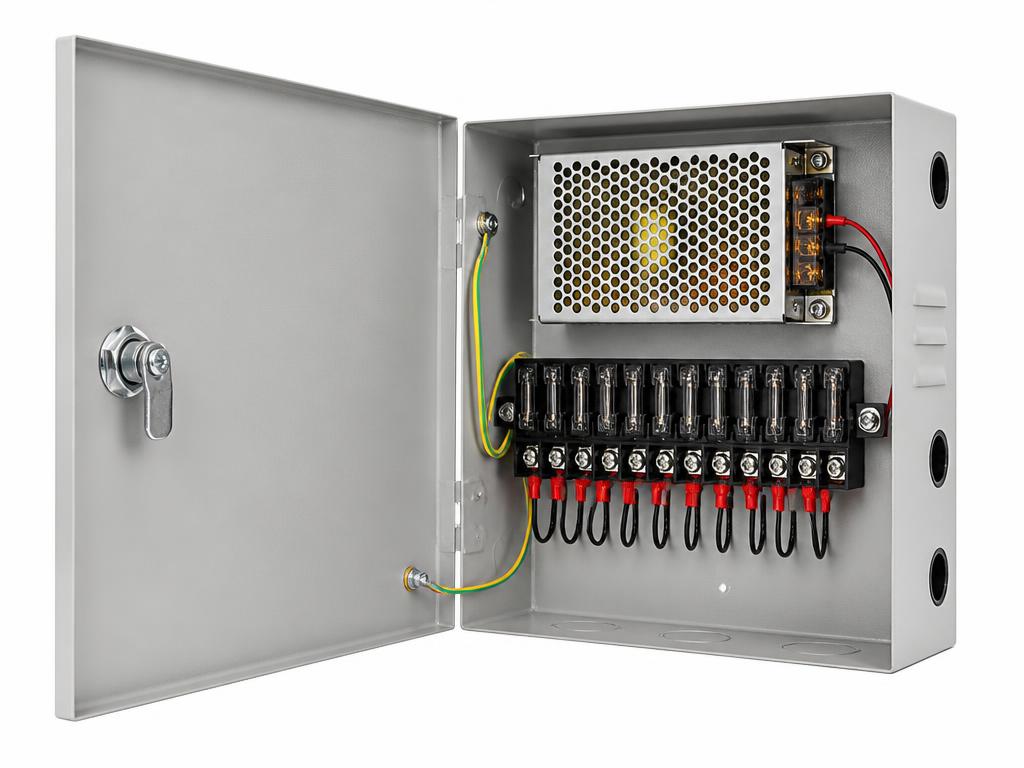
Power Supplies
CCTV Power Supply Unit
Centralised power distribution for multi-camera installations.
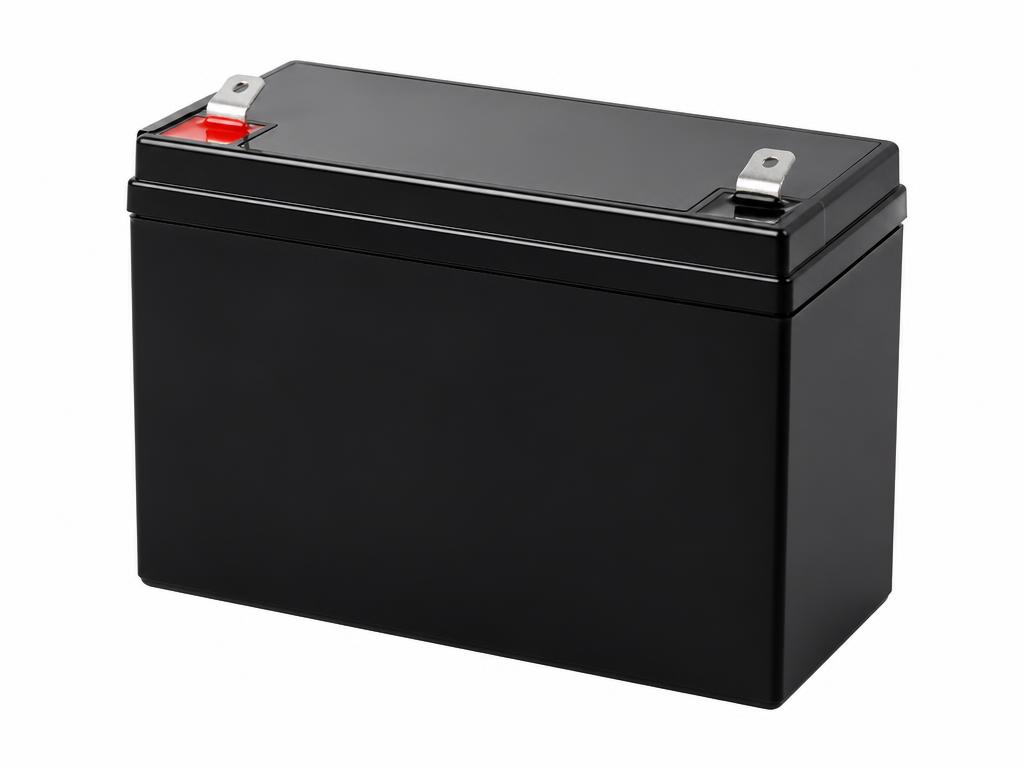
Backup Power
Backup Battery
Standby power support for security equipment during outages.
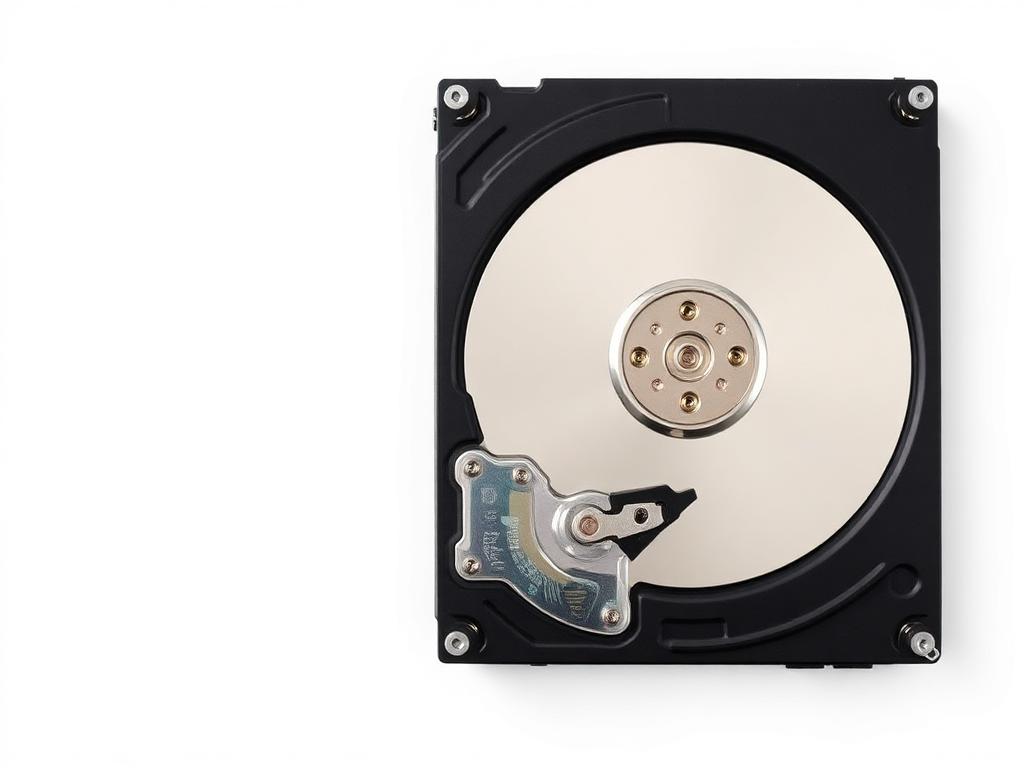
Storage Drives
Surveillance Hard Drive
Storage designed for continuous video recording workloads.
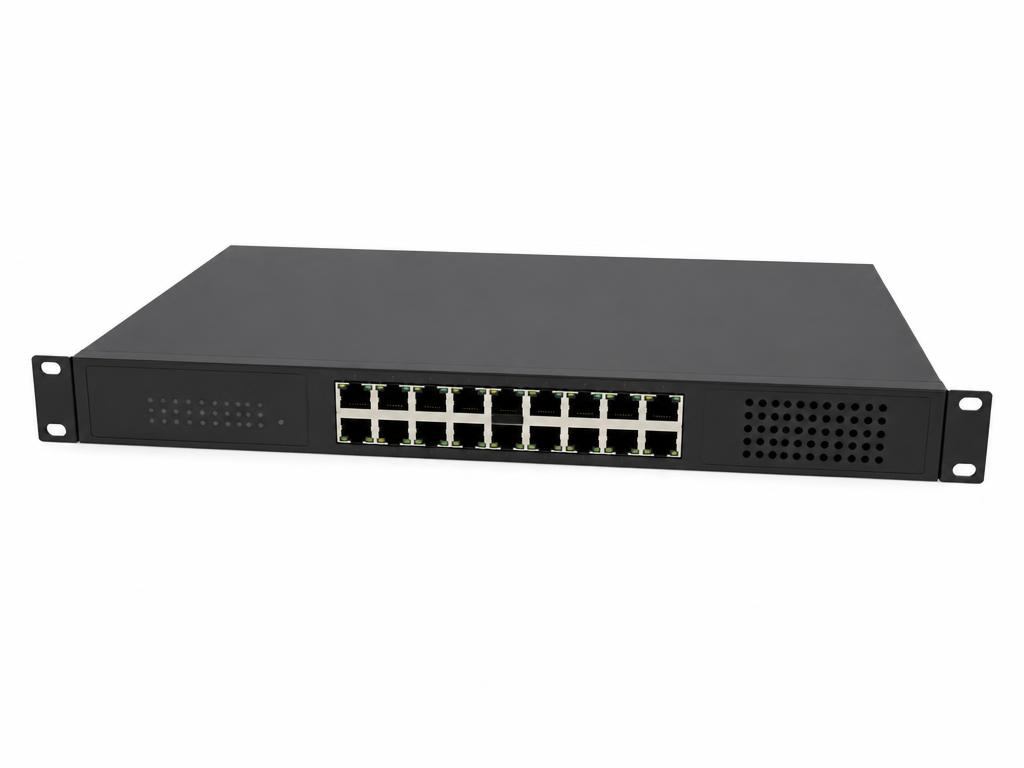
PoE Switches
PoE Network Switch
Powers and connects IP cameras and access devices over Ethernet.
Next step
Something on your system stopped working?
Tell us what is failing, when it started and what equipment is installed. We will advise on assessing the fault, including on systems we did not install.