
Hikvision
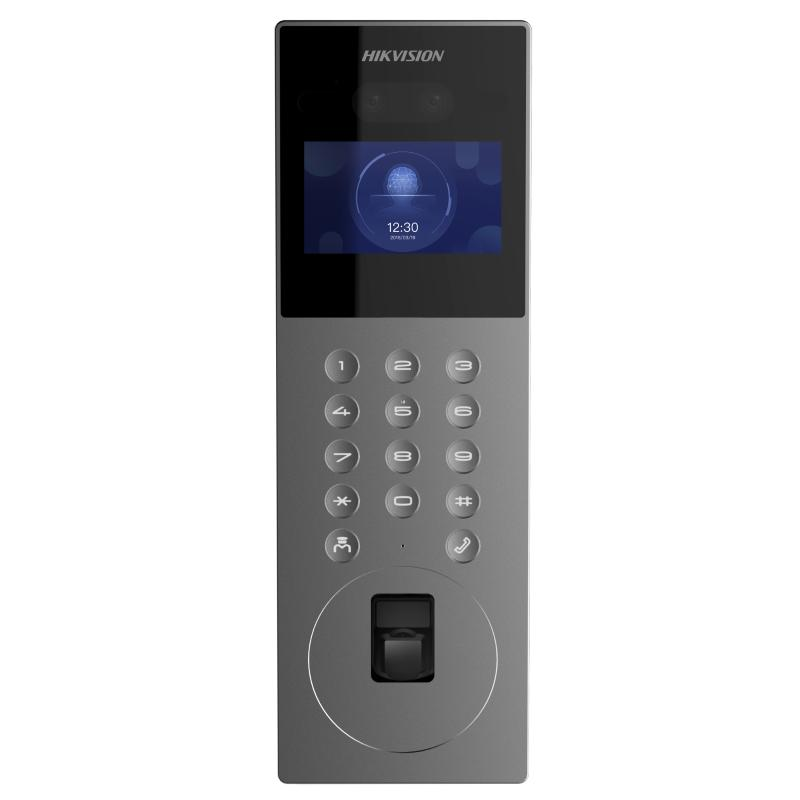
DS-KD9203-FE6
Ultra Series modular IP video intercom door station with face recognition.
- IP Video Door Station
- Face
Request quoteDetails
Security technology, supplied, installed and supported.
Entry communication solution
A door or gate communication system so visitors can be identified and spoken to before anyone is admitted — for a single home or a multi-unit development.
Gates and doors are opened without knowing who is outside, and multi-unit properties struggle with visitor access.
An intercom answers a simple question: who is at the gate? The right arrangement depends on the entry point, the distance to the occupants and how many units share the entrance.
Entry communication is built from a station at the entrance, one or more answering points inside, and the cabling and power that link them.
The outdoor unit visitors use — position, weather exposure and mounting height all matter.
Monitors or handsets where calls are answered, placed where people will actually hear them.
Where an entrance serves several units, the calling arrangement is planned around the building.
Locking or gate hardware, where release from inside is part of the requirement.
The links between station, monitors and supply, planned for the distances involved.
Unit capacity, app or network features and remote-release capability differ by system. We confirm what a specific model supports before it is quoted.
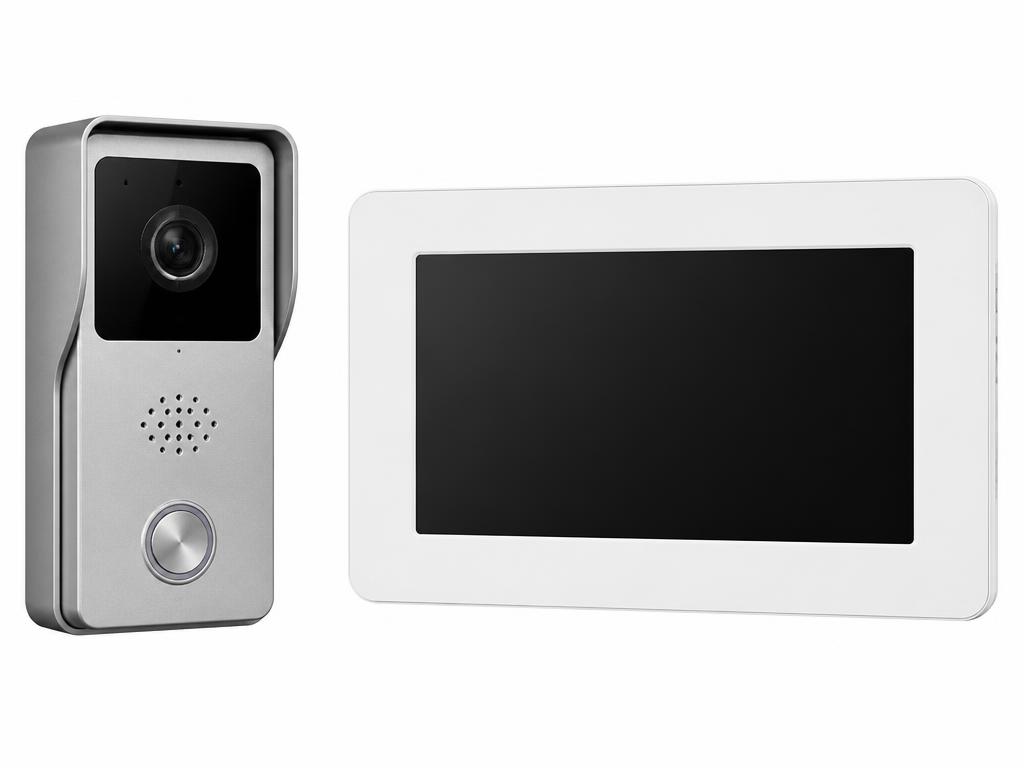
A pedestrian door, a driveway gate and a shared lobby each call for a different station and position.
Seeing a caller changes how admission decisions are made; audio-only can be enough on some entrances.
Indoor station positions decide whether a call is actually heard — kitchens, bedrooms and reception desks differ.
The run between gate and answering point influences cabling and the type of system that suits.
Apartments and gated developments need a calling arrangement planned around unit numbering and the shared entrance.
Getting a cable from the gate to the building is often the real constraint, especially on finished properties.
Both the outdoor station and the indoor units need supply arrangements planned into the install.
If the intercom must open something, the existing gate motor or lock is checked for compatibility first.
Intercoms often sit next to a reader so residents use a credential while visitors call — worth planning together.
Door stations and intercom stations from our catalogue.
Hikvision
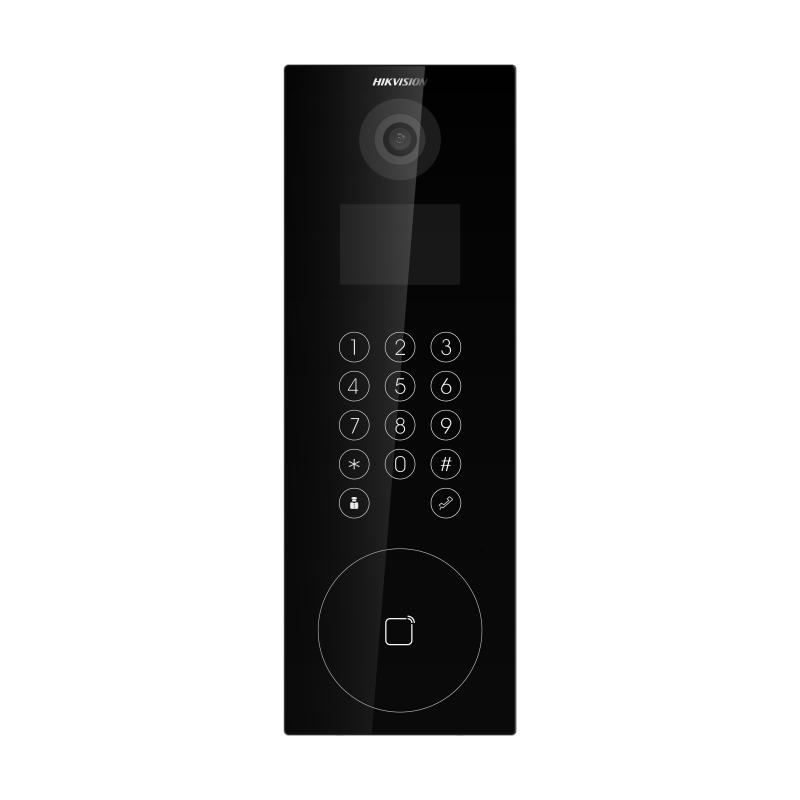
Ultra Series modular IP video intercom door station with face recognition.
Hikvision
Video intercom door station with 3.5-inch screen.
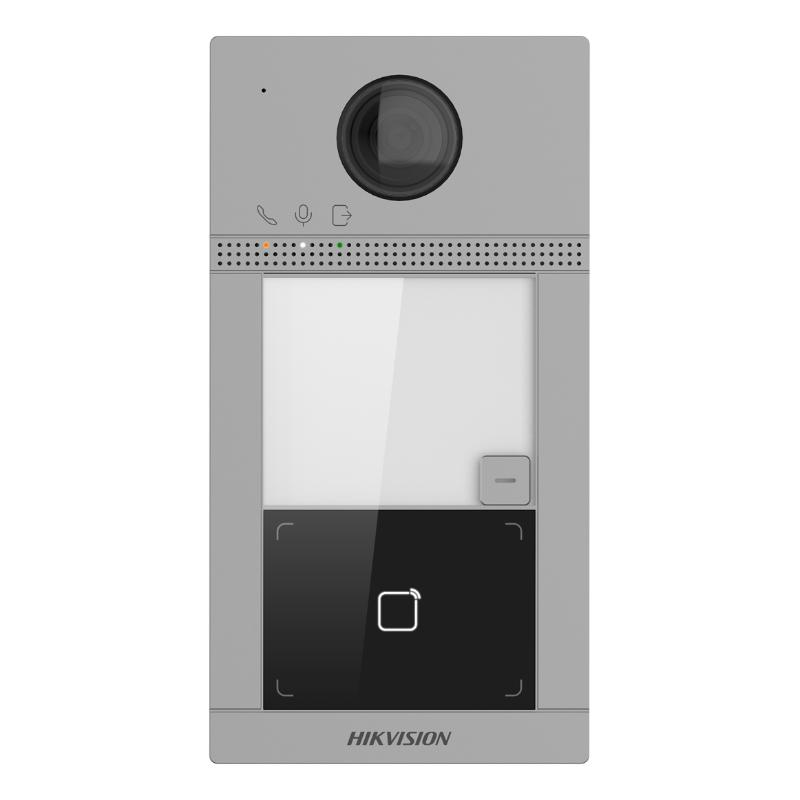
Hikvision
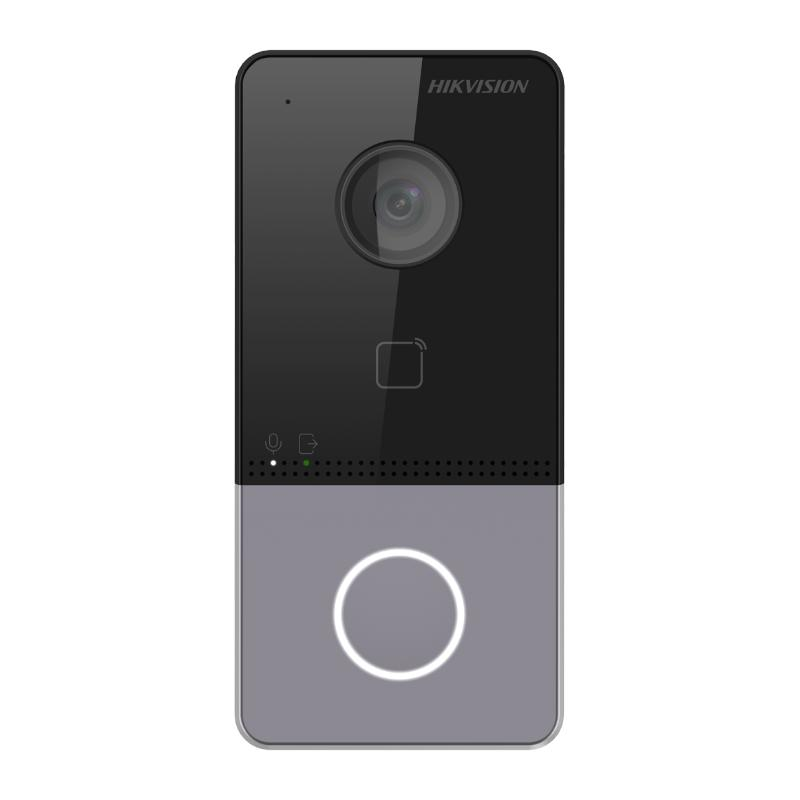
1-button metal villa door station.
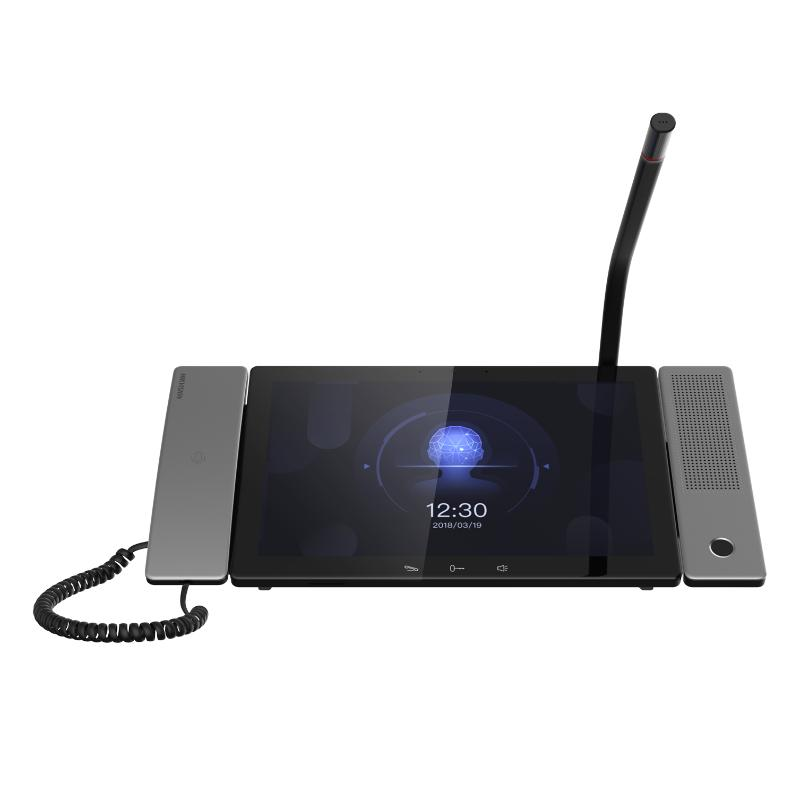
Next step
Tell us about your entrance and how many units it serves. We will advise on the arrangement, cabling and installation, and prepare a quotation.