
PoE Switches
21 models
Power over Ethernet switches used to power and connect IP cameras, intercoms and access control terminals from a single cabinet.
Security technology, supplied, installed and supported.
Network equipment for offices, estates and multi-building sites, including PoE switches, wireless links and hardware that supports CCTV and security systems.
Tell us how many devices need connecting and how far apart they are, and we can recommend suitable networking equipment.
46 models listed
Actual models we supply, with manufacturer specifications where published. Open a group below, or open a model for full details and a quotation.
21 models
Power over Ethernet switches used to power and connect IP cameras, intercoms and access control terminals from a single cabinet.
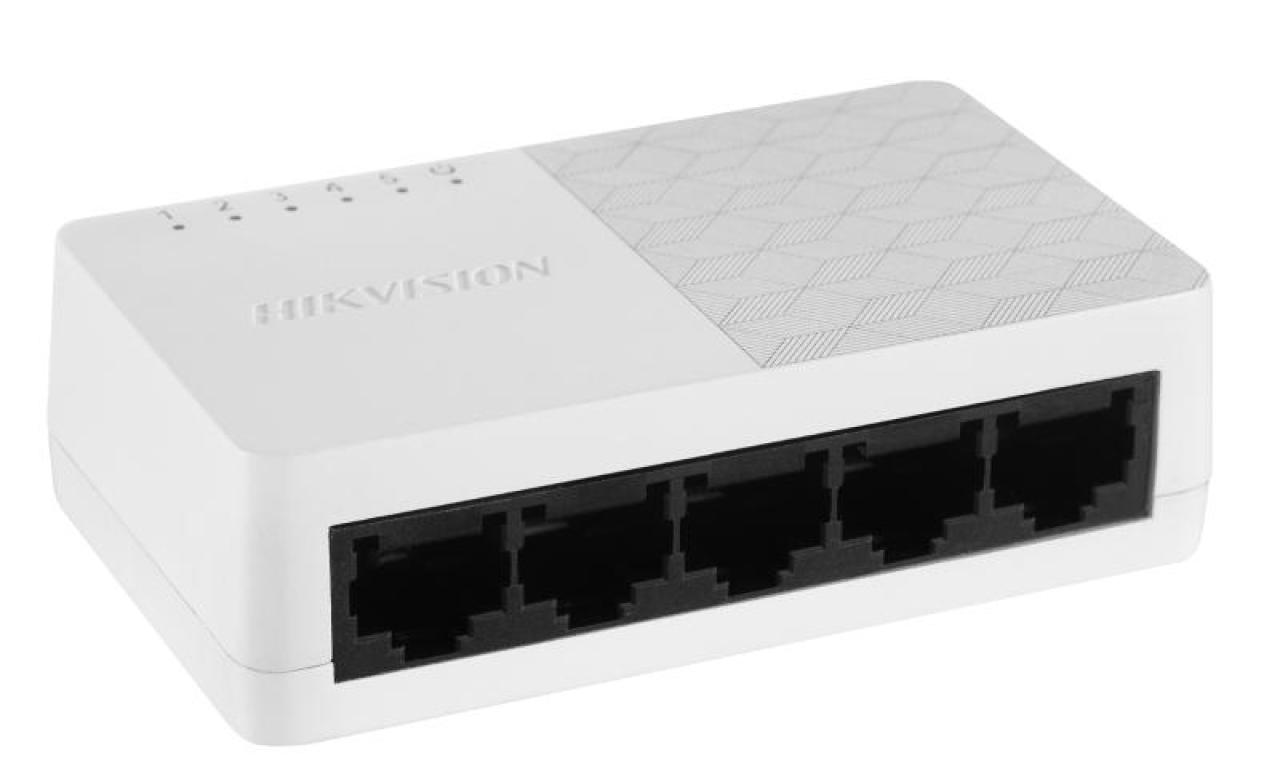
Hikvision
5-Port Fast Ethernet Unmanaged Desktop Switch
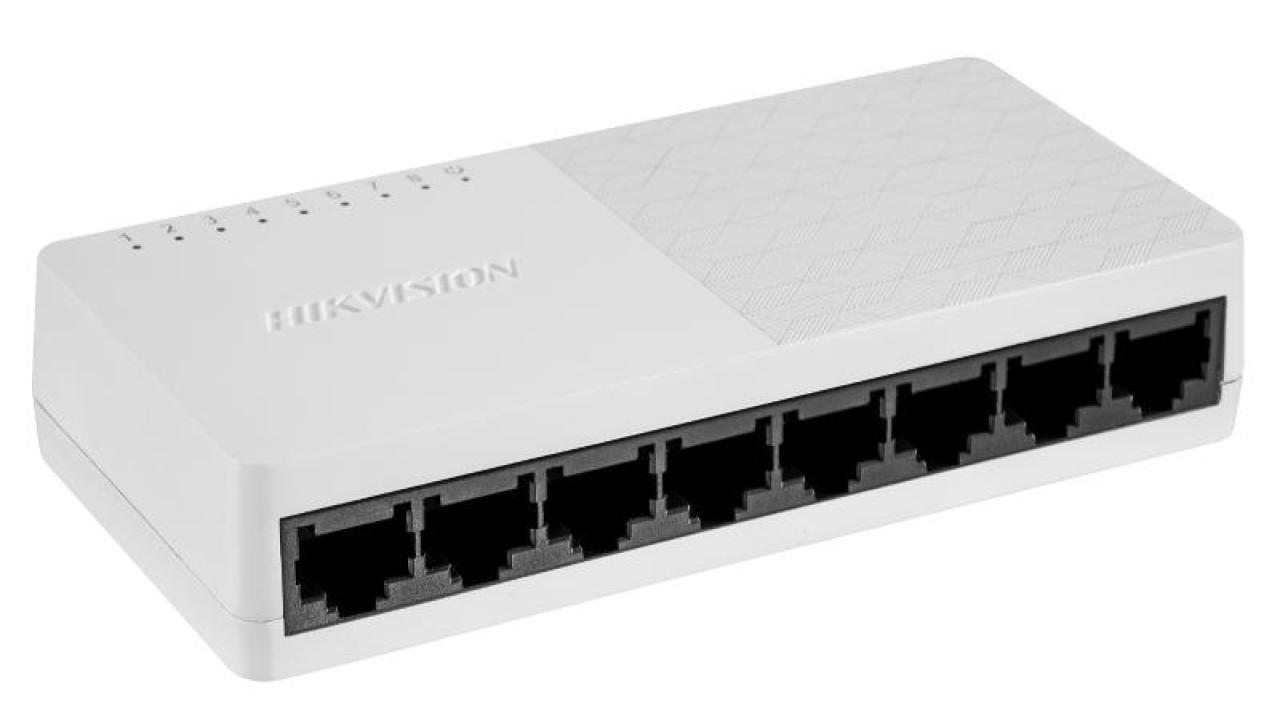
Hikvision
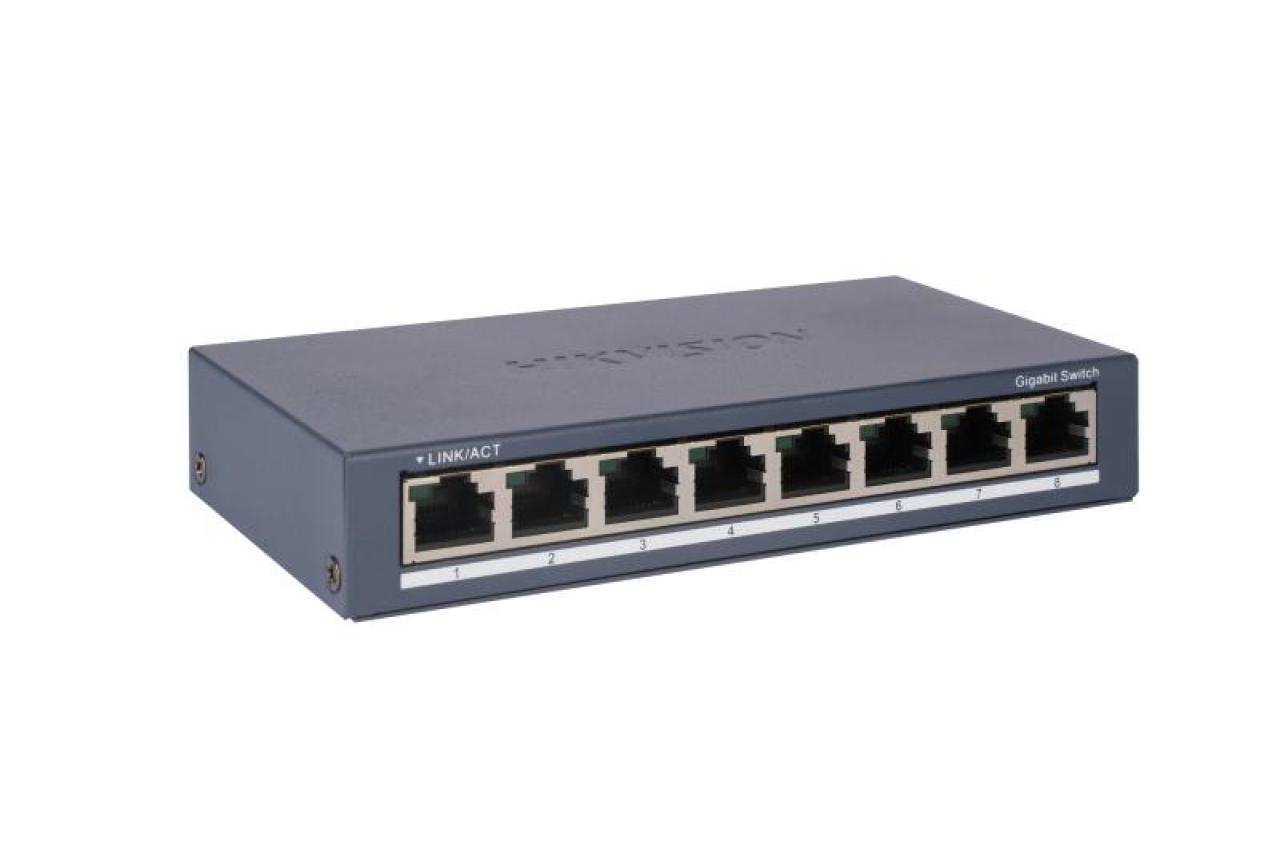
8-Port Fast Ethernet Unmanaged Desktop Switch
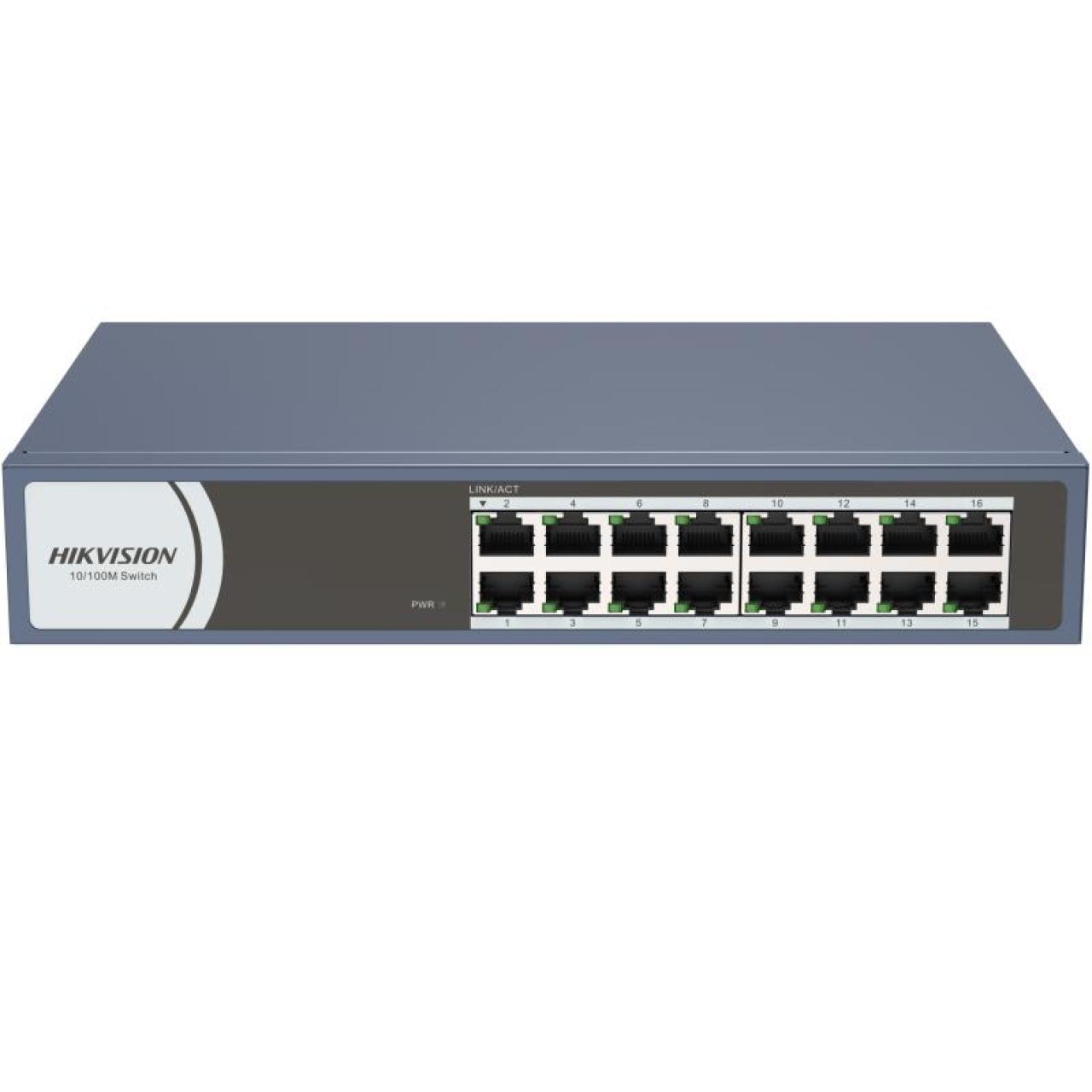
Hikvision
16-Port Fast Ethernet Unmanaged Rack-Mount Switch
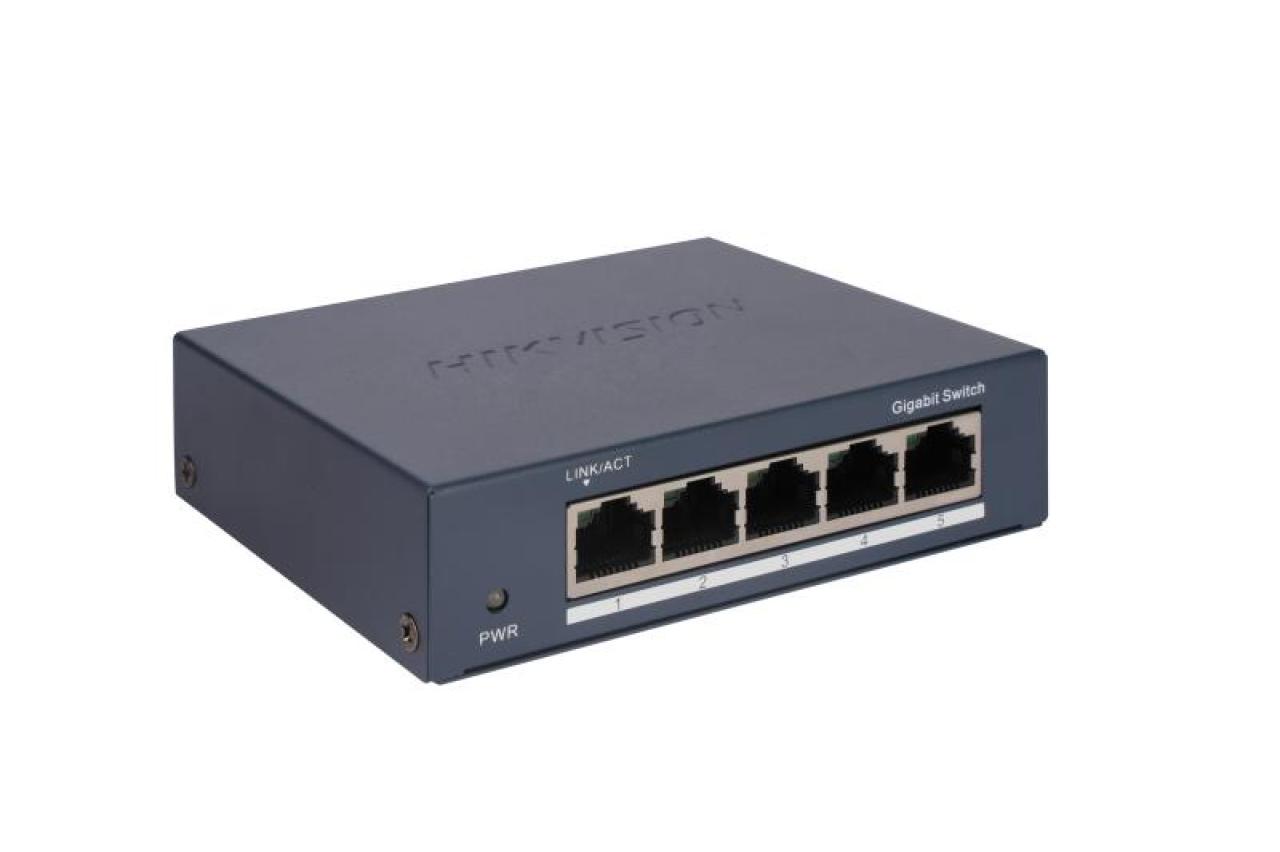
Hikvision
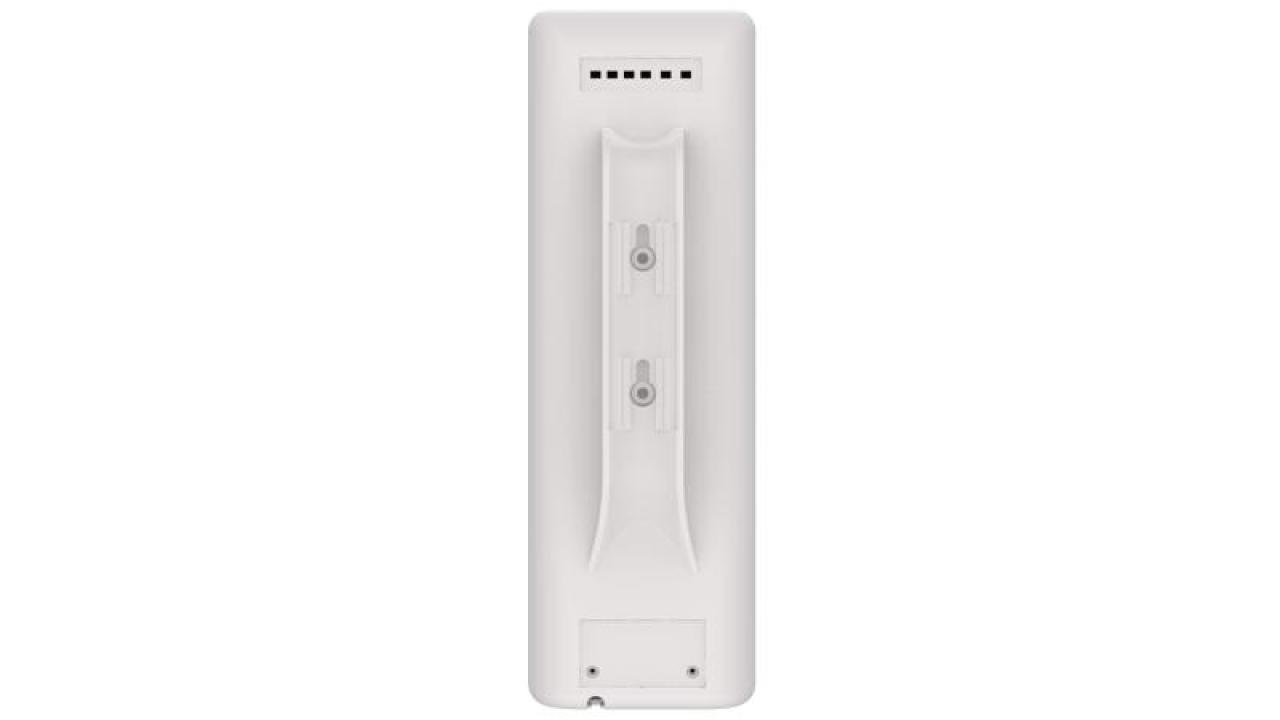
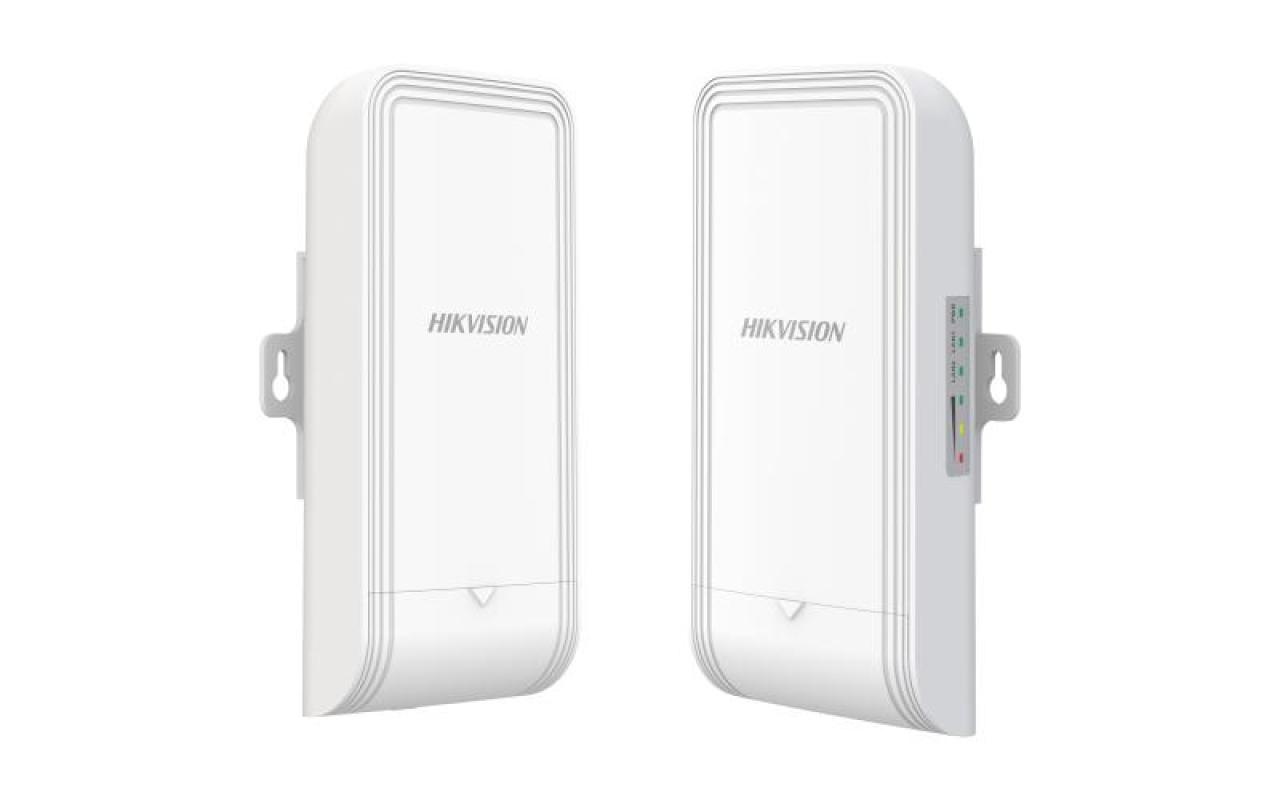
5 GHz 867 Mbps 3 km Wireless Bridge Kit

Hikvision
305 m CAT6 UTP Network Cable (Solid Copper, 0.55 mm, Orange)
Hikvision
305 m CAT6 UTP Network Cable (Solid Copper, 0.565 mm, CM)
Hikvision
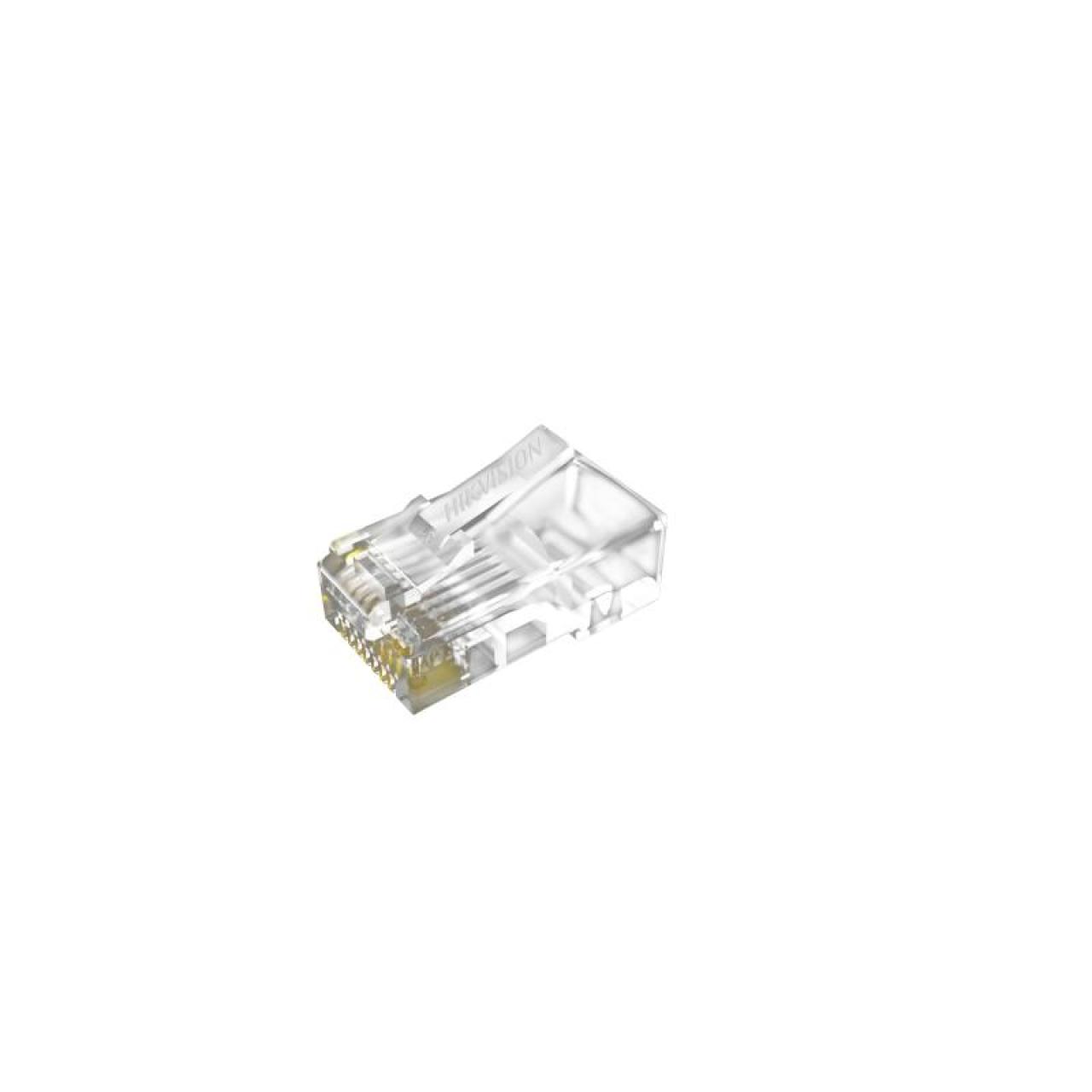
CAT6 U/UTP Network Cable (Solid Copper, 0.5 mm)

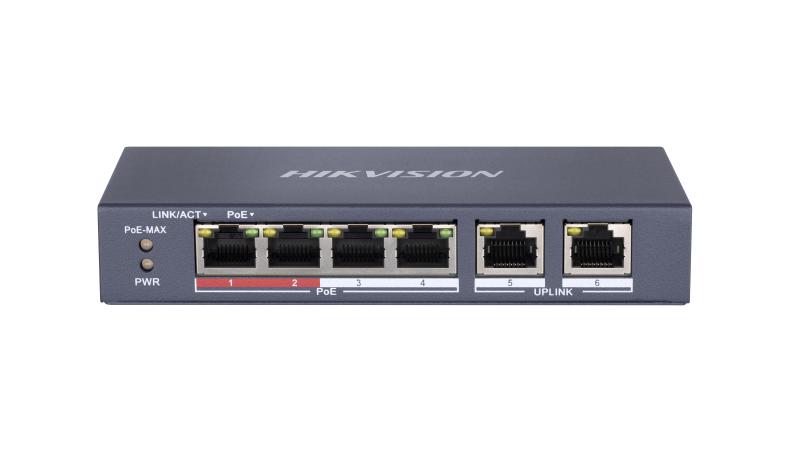
Hikvision
4 Port Fast Ethernet Unmanaged POE Switch
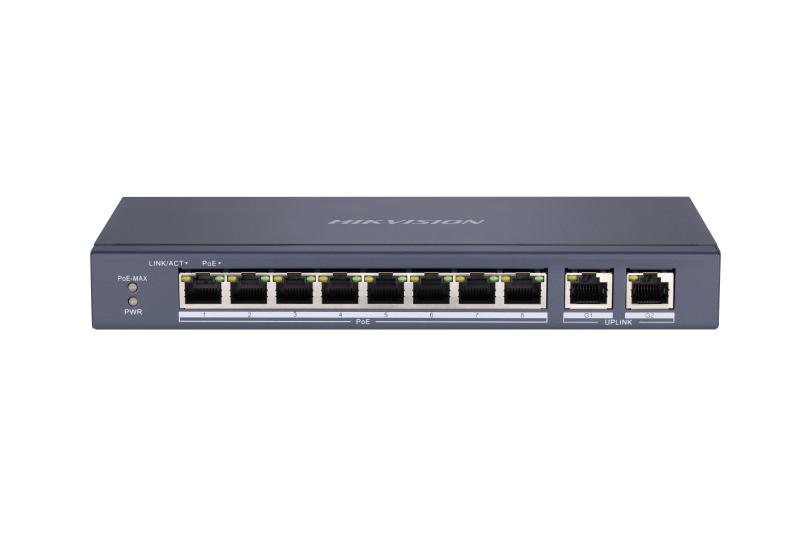
Hikvision
8 Port Fast Ethernet Unmanaged POE Switch
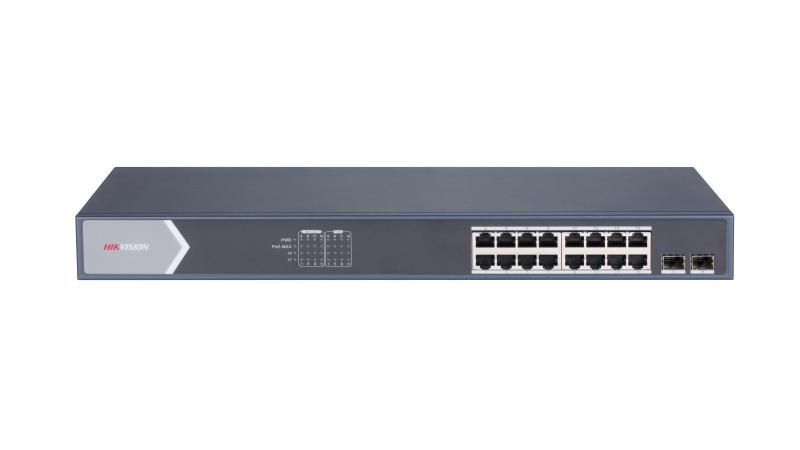
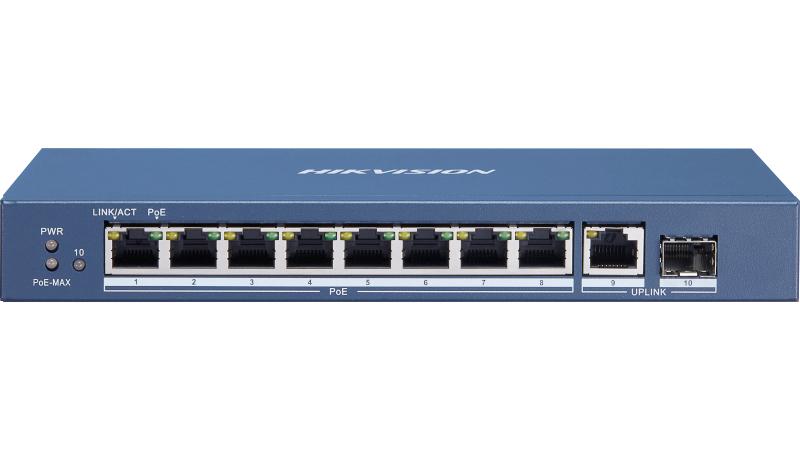
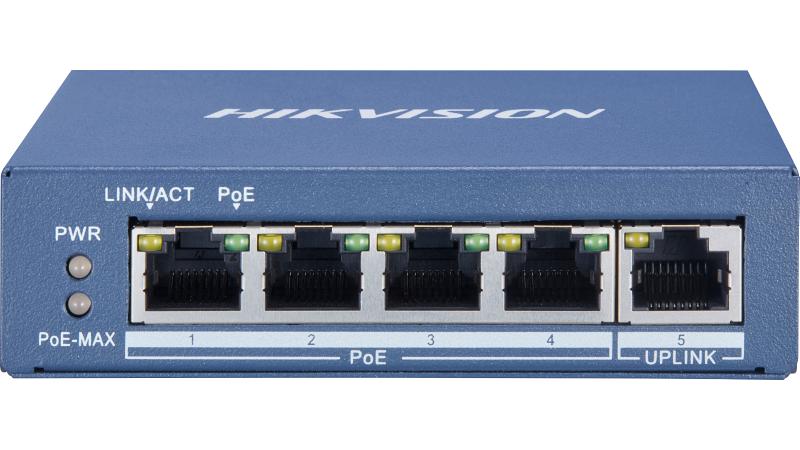
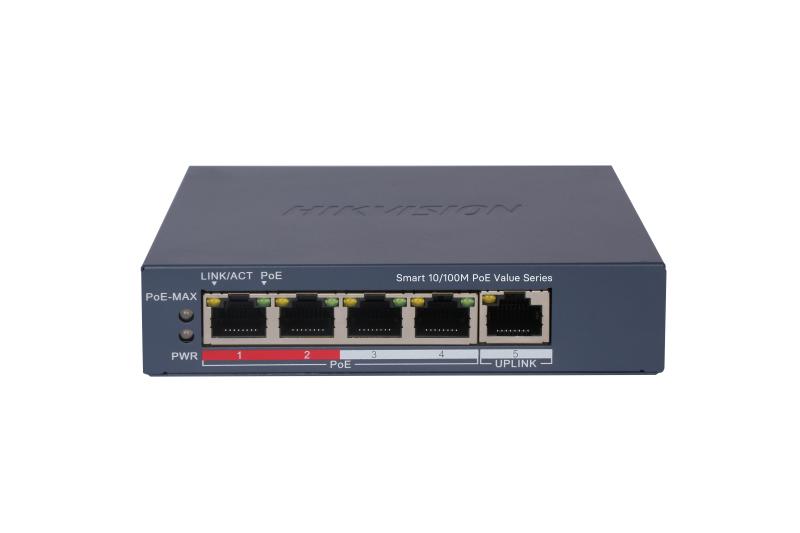
Hikvision
4 Port Fast Ethernet Smart POE Switch
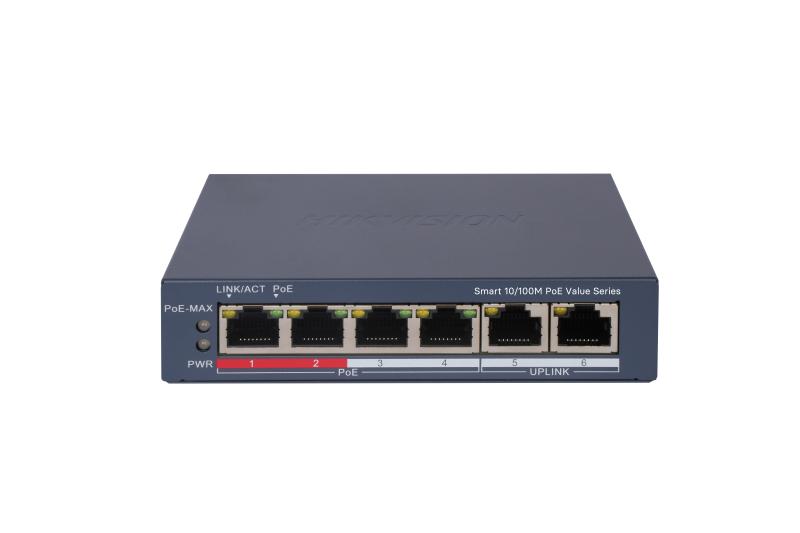
Hikvision
4 Port Fast Ethernet Smart POE Switch
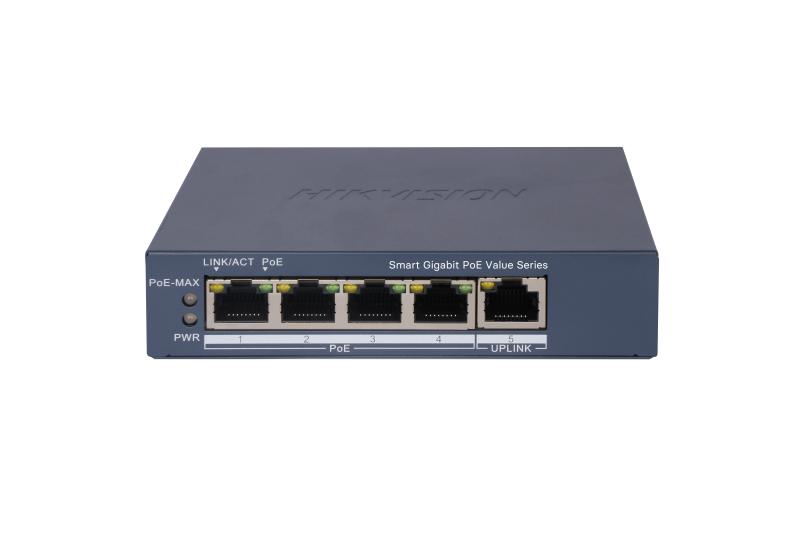
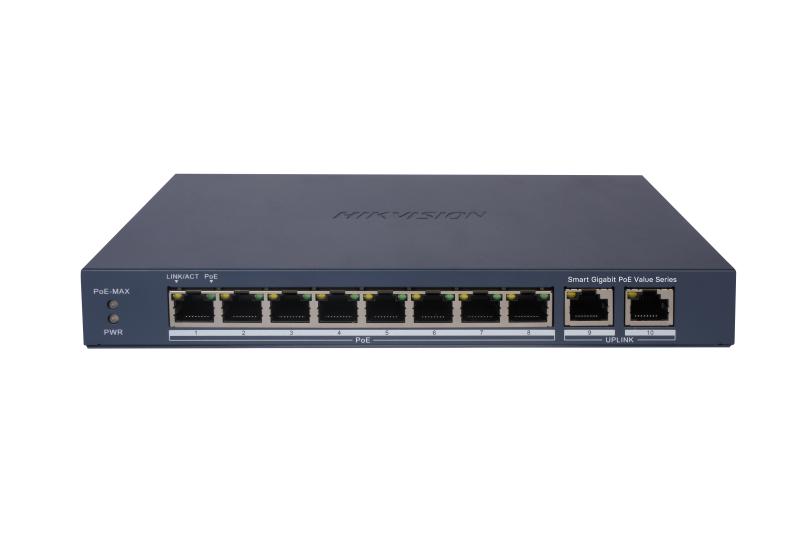
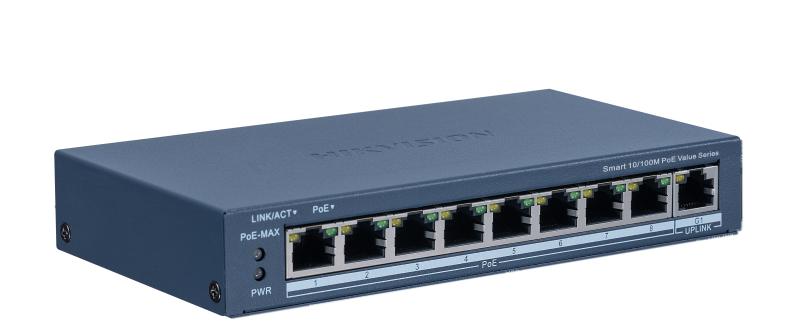
Hikvision
8 Port Fast Ethernet Smart POE Switch
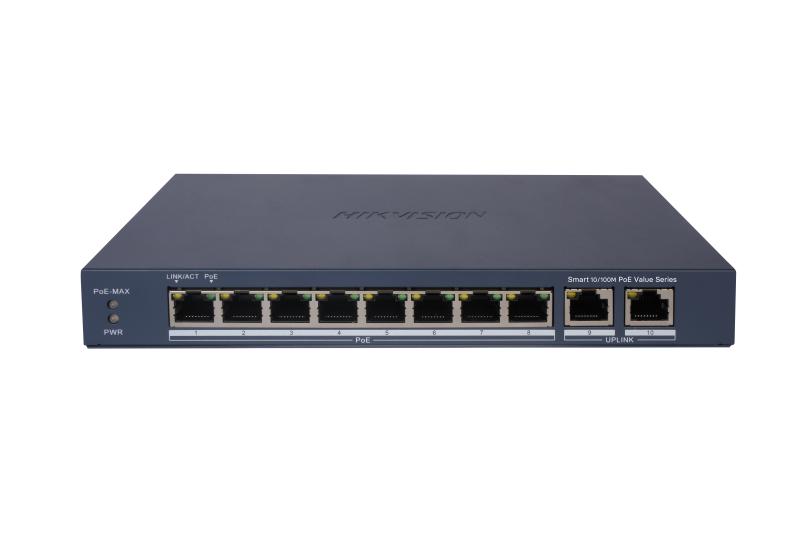
Hikvision
8 Port Fast Ethernet Smart POE Switch
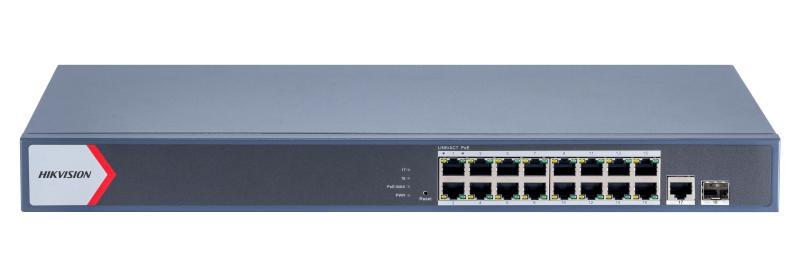
Hikvision
16 Port Gigabit Smart POE Switch
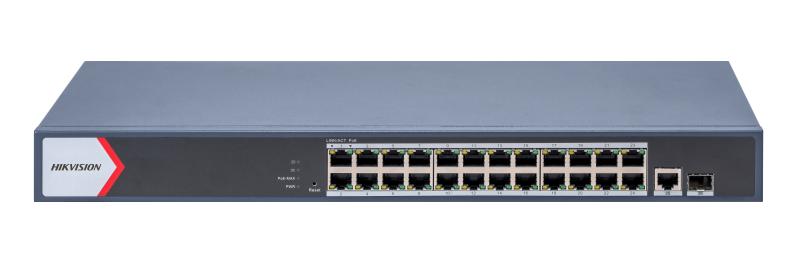
Hikvision
24 Port Gigabit Smart POE Switch
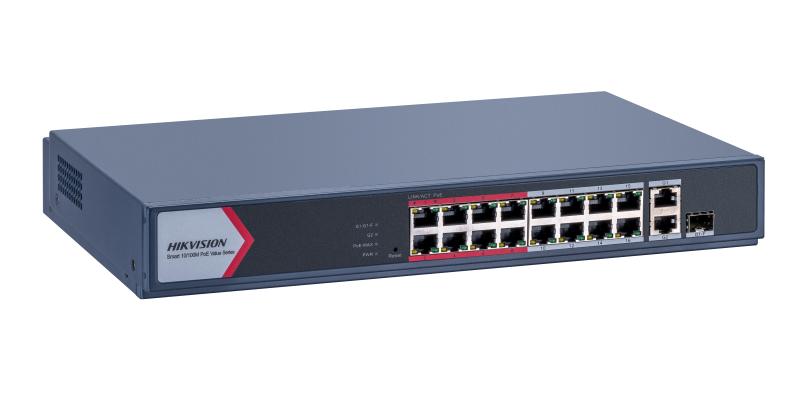
Hikvision
16 Port Fast Ethernet Smart POE Switch
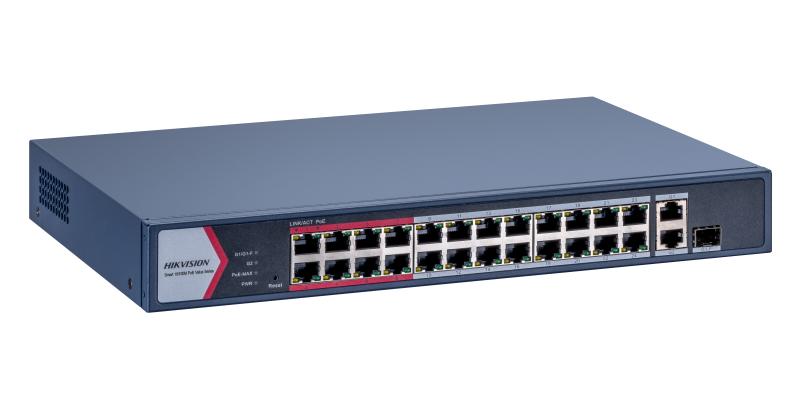
Hikvision
24 Port Fast Ethernet Smart POE Switch
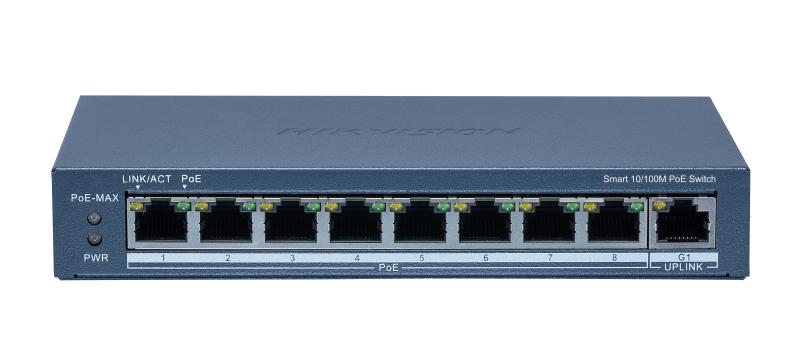
Hikvision
8 Port Fast Ethernet Smart POE Switch
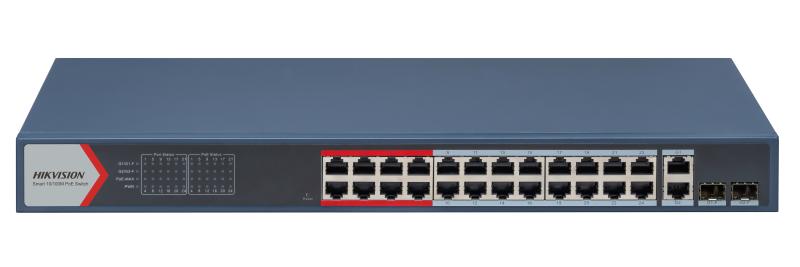
Hikvision
24 Port Fast Ethernet Smart POE Switch
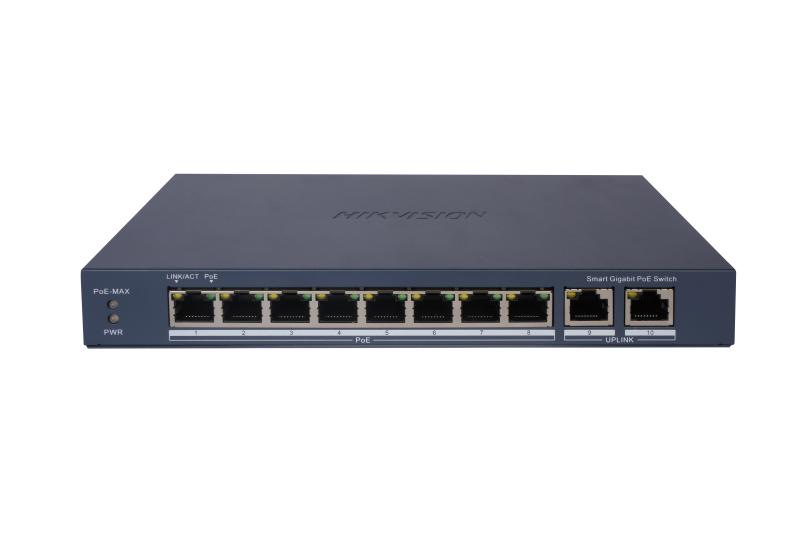
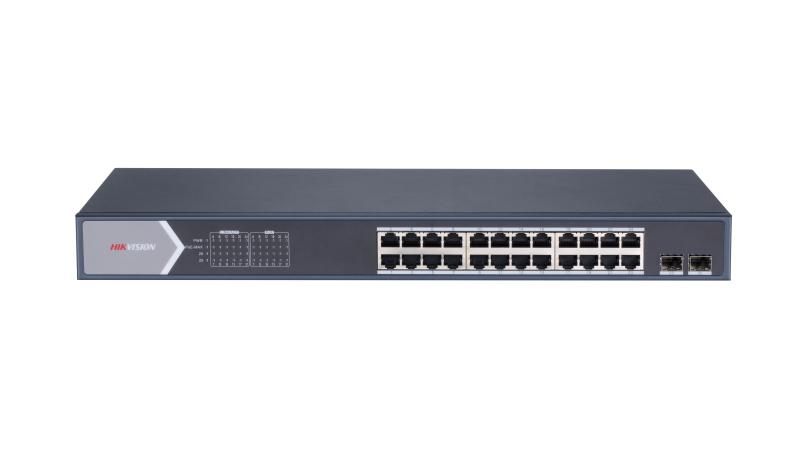
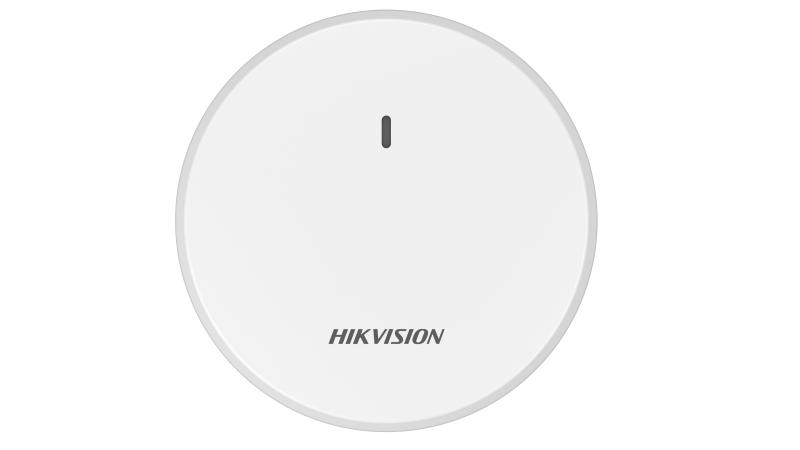
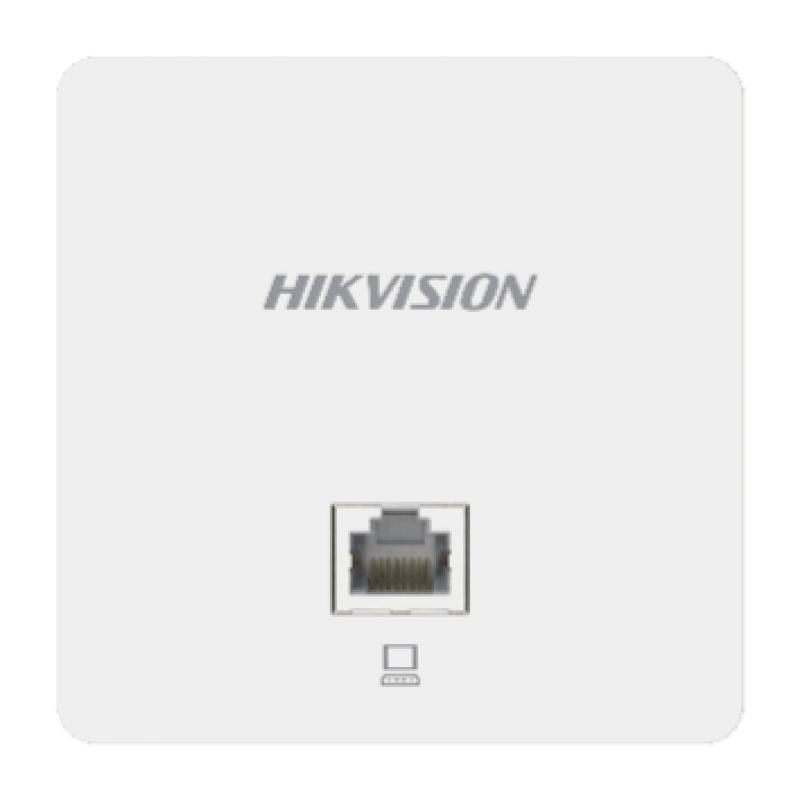
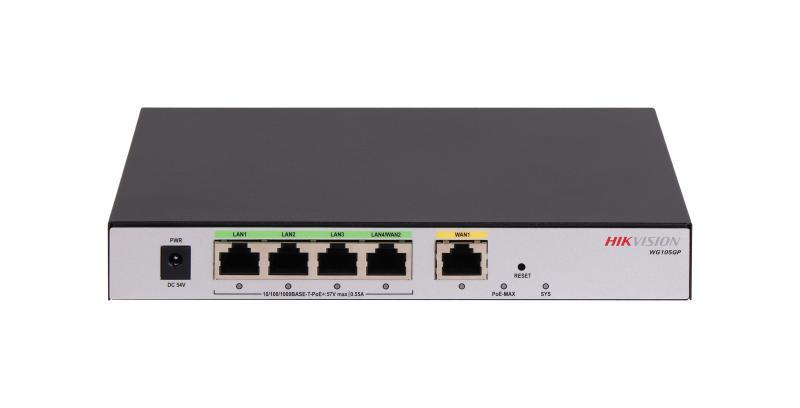
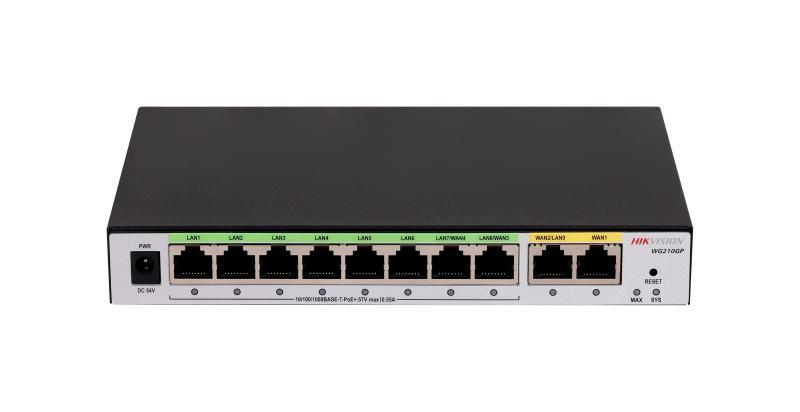
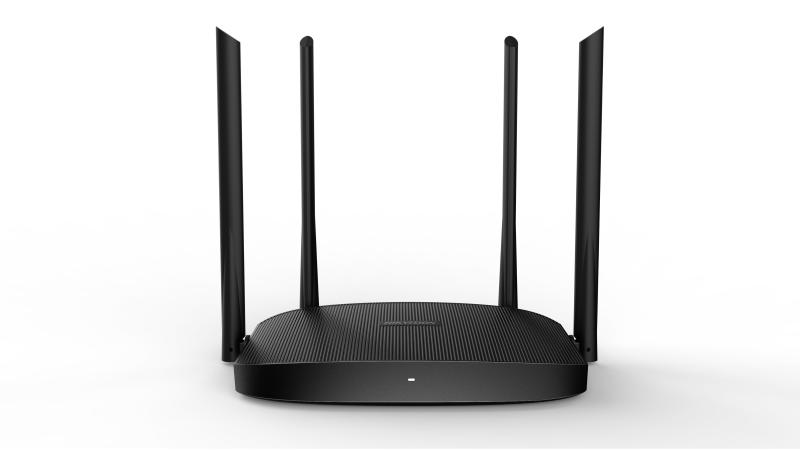
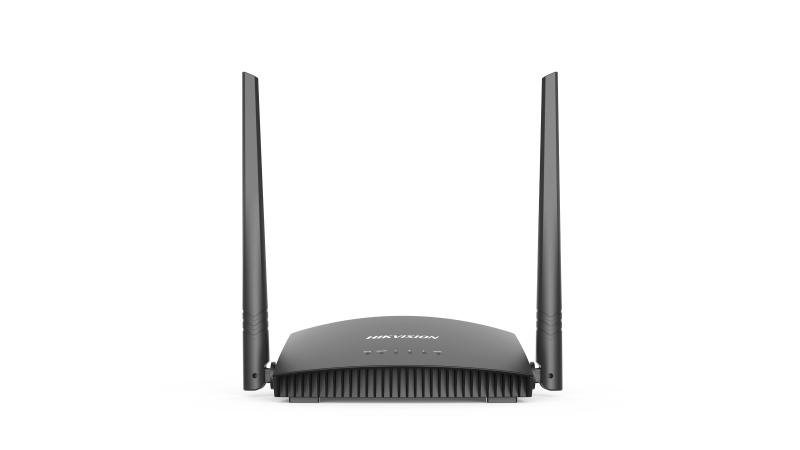
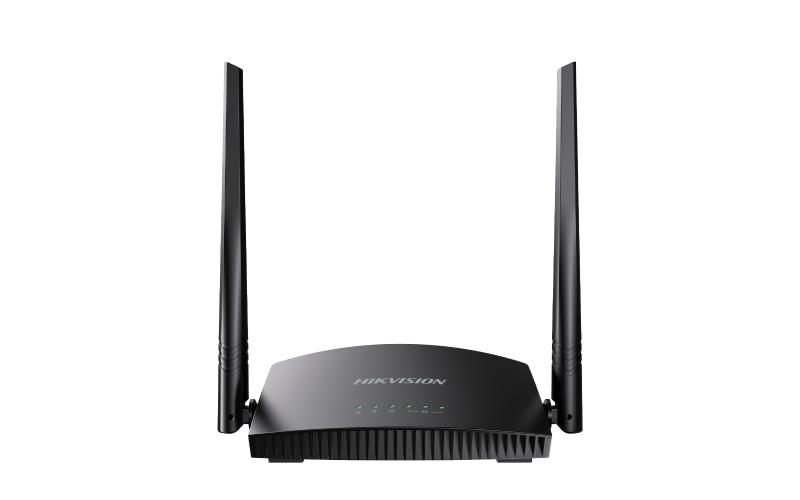
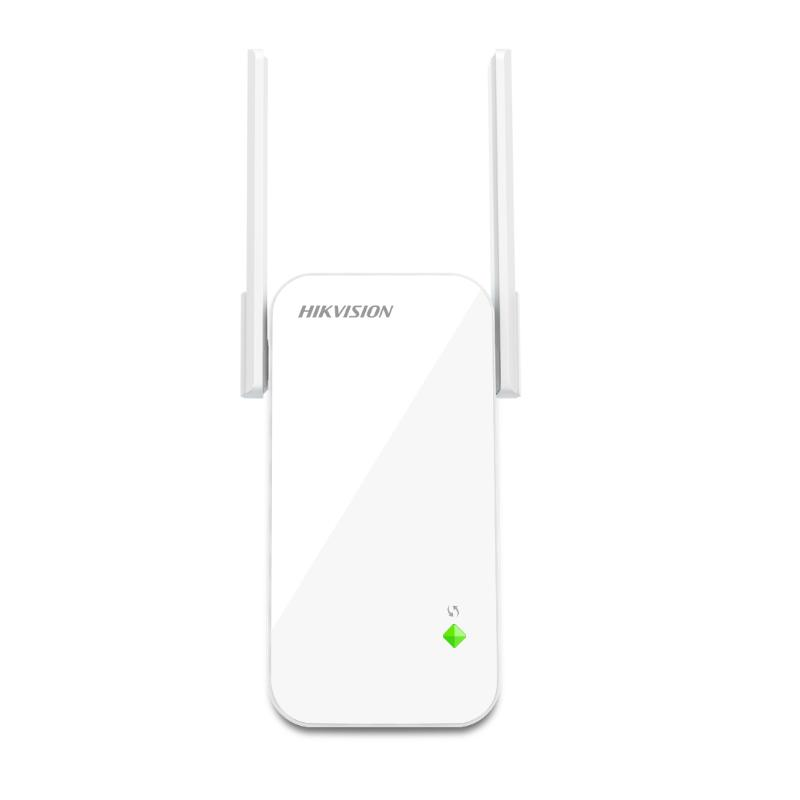
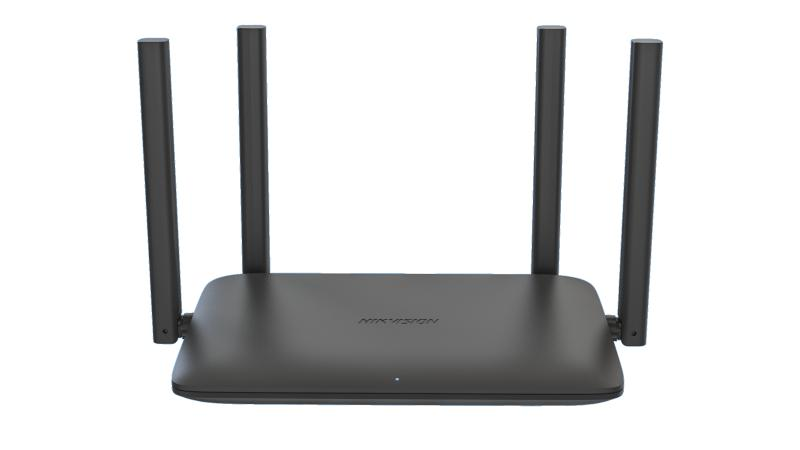
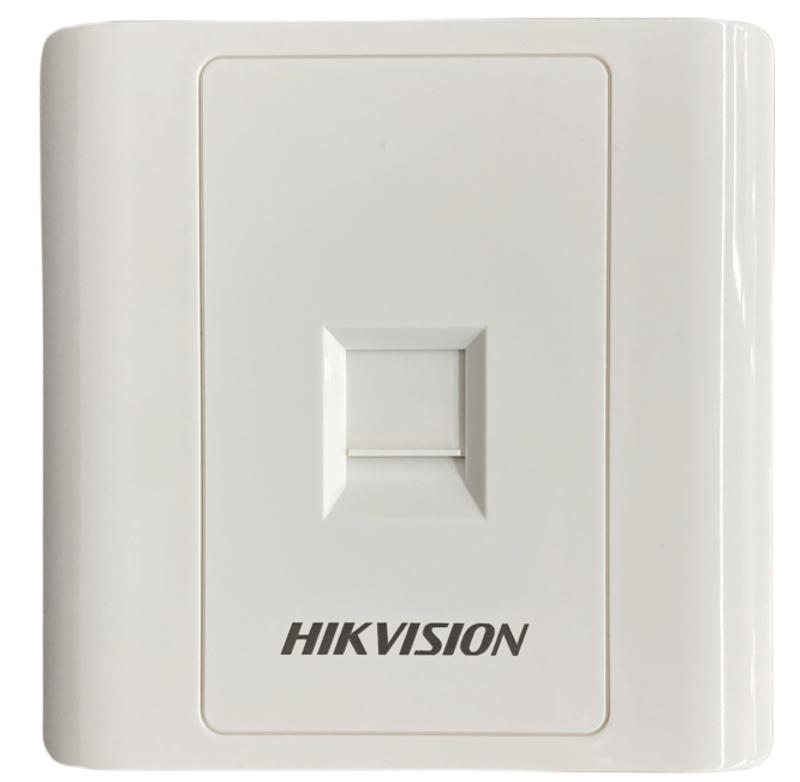
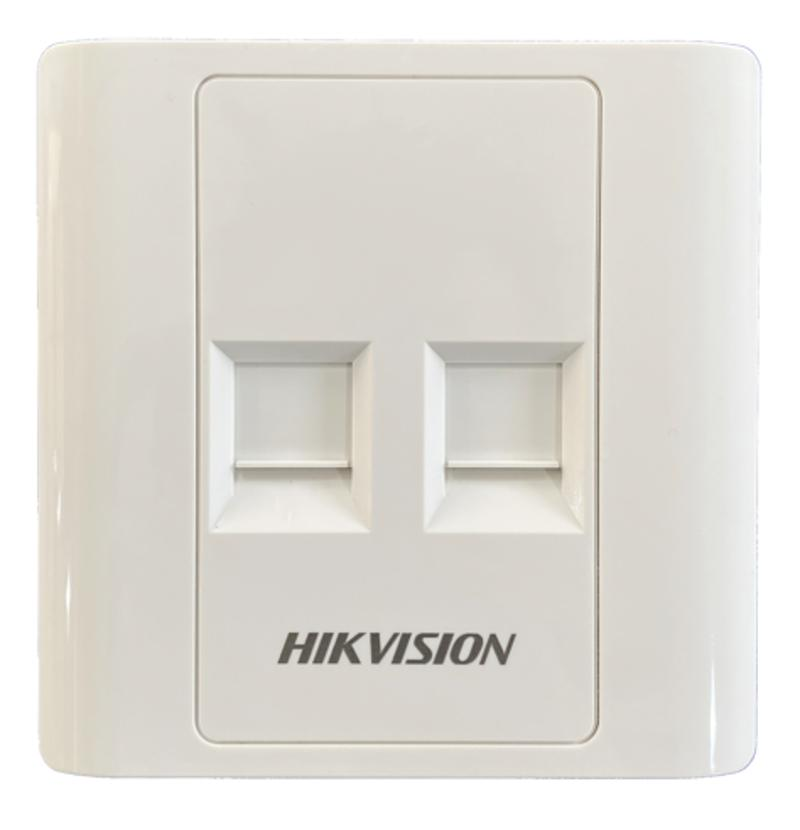
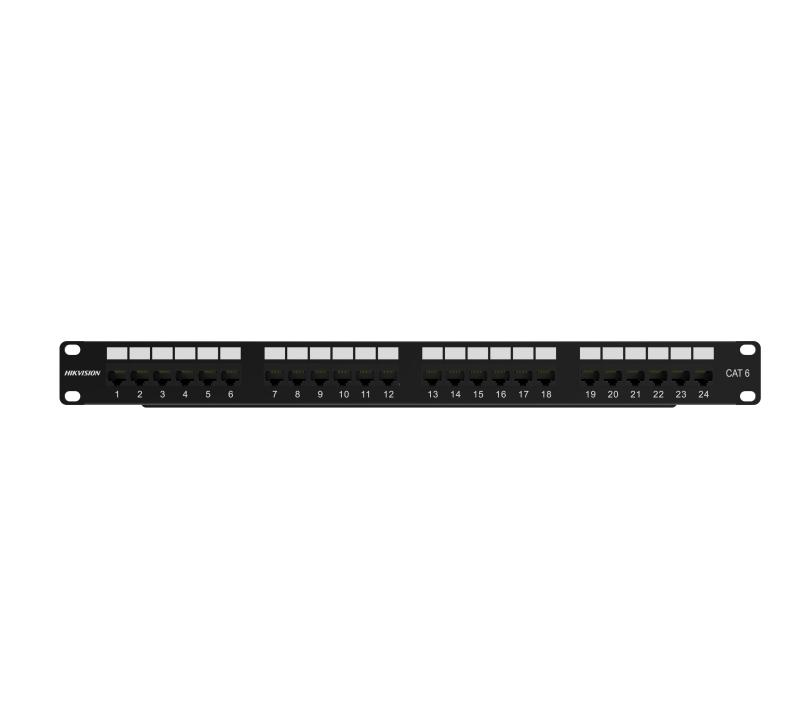
Product photography is shown only where it comes from the manufacturer's own published data for that exact model number.
Guidance
The number of cameras, computers and access points to be connected determines how many ports the network needs.
Cameras, access points and some intercoms can draw power over the network cable, which affects the switch selected.
How the network is used — recording video, general office work or both — influences the equipment and how it is arranged.
Where cabling between buildings is impractical, a wireless link can carry the connection across the site.
Cable runs have practical distance limits; longer routes may need an intermediate point or a fibre link.
How switches, routers and cabinets are distributed across the site affects both installation and future expansion.
Share the site layout and device count and we will confirm suitable equipment and installation requirements. Request advice or a site assessment.
Next step
Tell us how many devices must connect, whether power over the network cable is required and how far apart the buildings are. We can help identify suitable equipment.