
Setting systems up correctly
Configuration and commissioning
Configuration and commissioning is the work that turns installed hardware into a system that behaves the way you need it to — recording the right things, admitting the right people and alerting the right person.
It applies to new installations, to equipment bought elsewhere, and to systems that were installed but never fully set up.
What configuration and commissioning covers
Depending on the equipment and what it supports, this may include:
Device configuration
Cameras, readers, detectors and door stations set up for how they are used.
Recorder and controller setup
Recording schedules, channels, zones, doors and rules configured.
Network connection
Addressing, switch connection and connectivity between devices.
User and credential setup
Users, cards, PINs or biometric enrolment where the system supports it.
Access rules
Which credentials open which door, and when — where the controller allows it.
Notifications
Alerts and outputs configured to reach the people who need them.
Remote viewing
Mobile or desktop access set up where the equipment and connection support it.
Testing
Devices, detection, recording and door operation checked on site.
System verification
The system checked as a whole against what it was meant to do.
Handover
A walkthrough of day-to-day operation for whoever will use the system.
Available features depend entirely on the equipment installed. We configure what the hardware supports and tell you where a requirement is not achievable with it.
Systems we configure
Configuration differs by discipline, and often several are commissioned together.
CCTV surveillance
Recording schedules, retention, camera settings and remote viewing.
Access control
Doors, users, credentials, access rules and attendance reporting where supported.
Intruder alarms
Zones, entry and exit timing, arming methods and notification outputs.
Fire detection
Zone setup and functional testing of detection and sounders.
Intercom systems
Door station and monitor pairing, call routing and gate release.
Networking
Addressing, switch configuration and connectivity for security devices.
When configuration support helps
- Equipment is installed but has never been set up properly.
- You bought equipment elsewhere and need it configured and commissioned.
- Remote viewing has never worked, or stopped working after a network change.
- Recording settings mean footage is missing or overwritten too quickly.
- New staff need enrolling, or old credentials need removing from an access system.
- Alarm zones trigger falsely because of how they were configured.
- A system was reset or replaced and all settings were lost.
- Nobody on site knows how to operate the system day to day.
How commissioning runs
- 01
Confirm the equipment
What is installed, its condition and what it supports.
- 02
Confirm how the site is used
Working hours, who needs access, and what must be recorded.
- 03
Configure the devices
Cameras, readers, detectors and stations set to suit the site.
- 04
Configure the recorder or controller
Schedules, zones, doors, rules and storage behaviour.
- 05
Connect to the network
Addressing and connectivity, including internet access where required.
- 06
Set up users and access
Credentials enrolled and permissions applied where applicable.
- 07
Test and verify
Each device and function checked, and the system checked as a whole.
- 08
Hand over
Operation demonstrated and the basics explained to the site users.
What to tell us when you enquire
None of this is mandatory, but the more of it you can share, the fewer questions we need to come back with.
Equipment installed
Makes, models or photographs of the recorder, panel or controller.
Current state
Whether the system works partly, not at all, or has never been set up.
Site location
The area or town, and whether site access is straightforward.
What you need it to do
Recording, remote viewing, access rules, attendance or notifications.
Network details
Whether there is internet on site and who manages the network.
Users involved
Roughly how many people need credentials or access to the system.
Existing credentials
Whether admin passwords or logins for the equipment are available.
Preferred timing
When the site is available for configuration and testing.
Related services
Commissioning follows installation and networking, and overlaps with troubleshooting when a system misbehaves.
Security System Installation
Mounting, cabling, power, configuration, testing and handover for new and replacement systems.
Networking
Networking as a service is the cabling, switching and connectivity work that gets devices talking to each other — most often so a security system can record, be reached remotely and stay online.
Troubleshooting
Troubleshooting is the work of finding out why a system is not behaving as it should — before any money is spent replacing equipment that may not be the cause.
Technical Support
Technical support is the advice side of what we do: helping you choose the right equipment, check compatibility, get something configured, or work out why a system is not behaving.
Related equipment
Equipment commonly configured during commissioning. We can also configure equipment you already own.
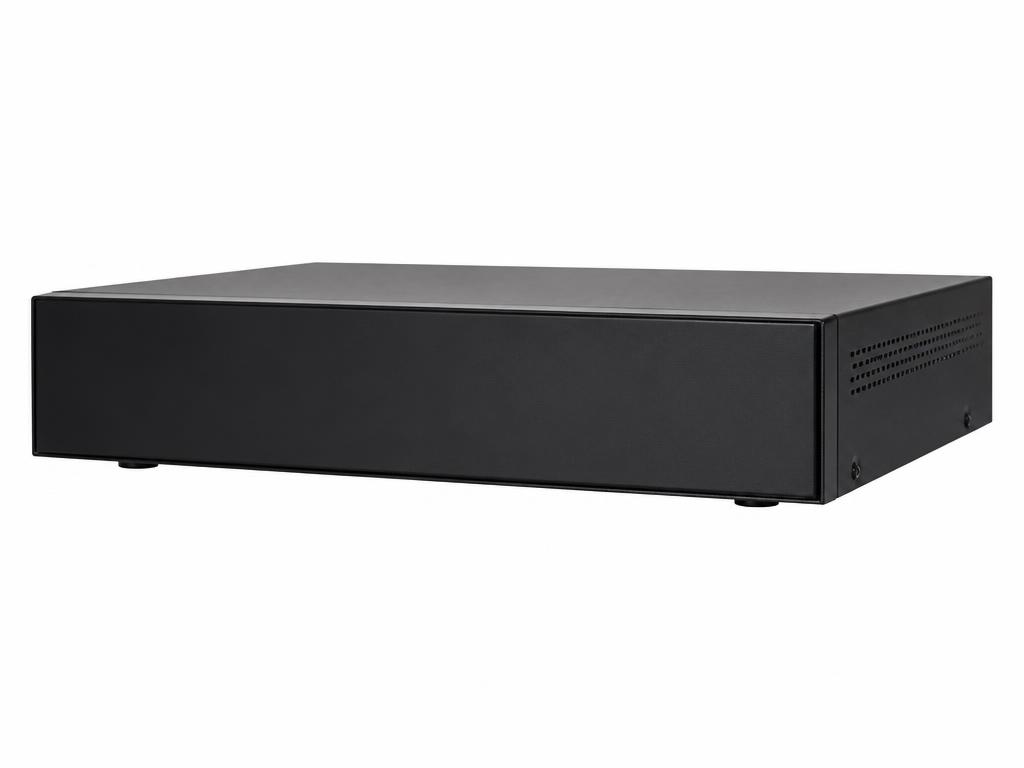
Network Video Recorders
Network Video Recorder (NVR)
Recording platform for IP camera systems with remote viewing capability.
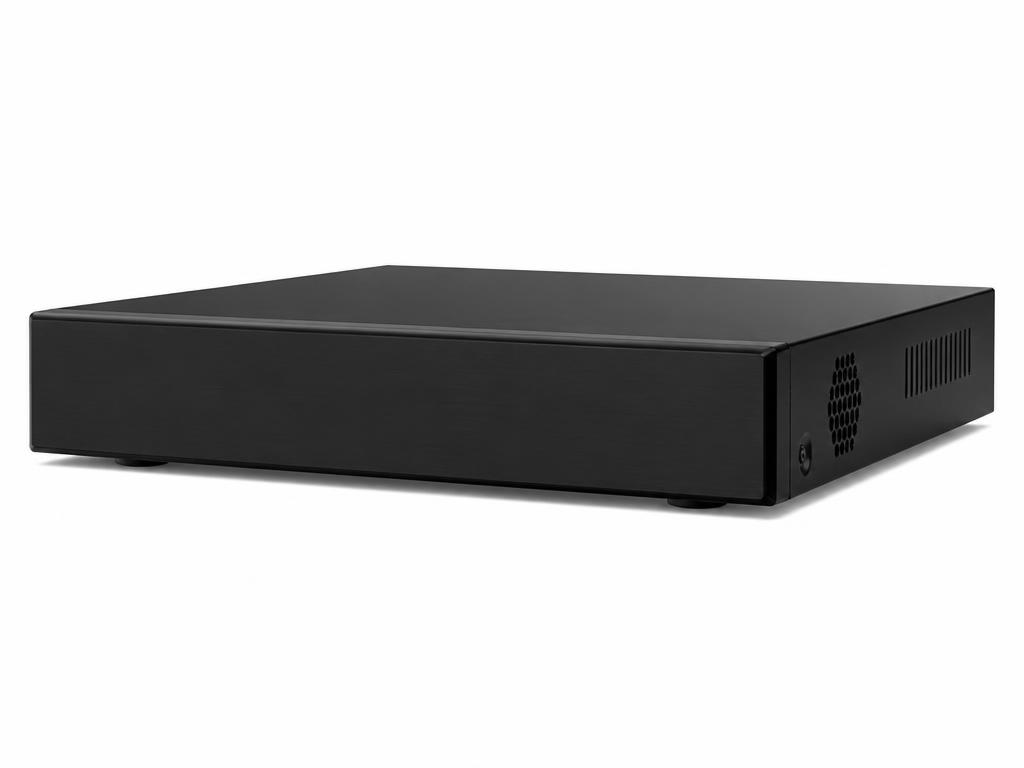
Digital Video Recorders
Digital Video Recorder (DVR)
Recorder for analog HD camera systems and hybrid installations.
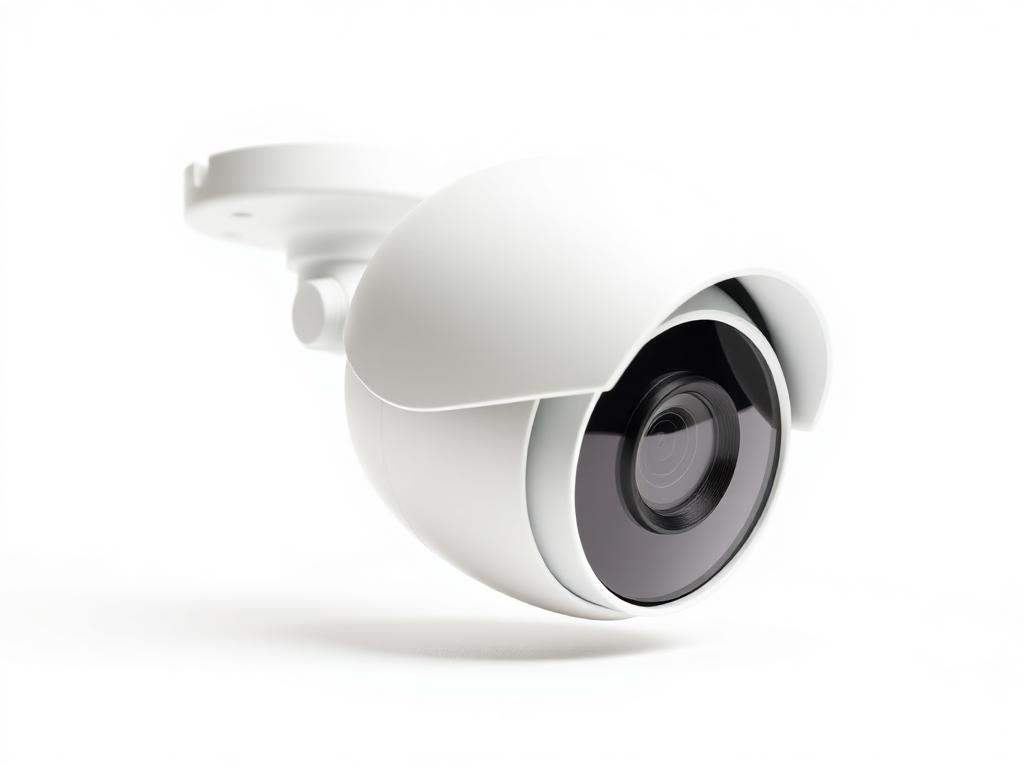
IP Cameras
IP Dome Camera
Indoor/outdoor network dome camera for general surveillance coverage.
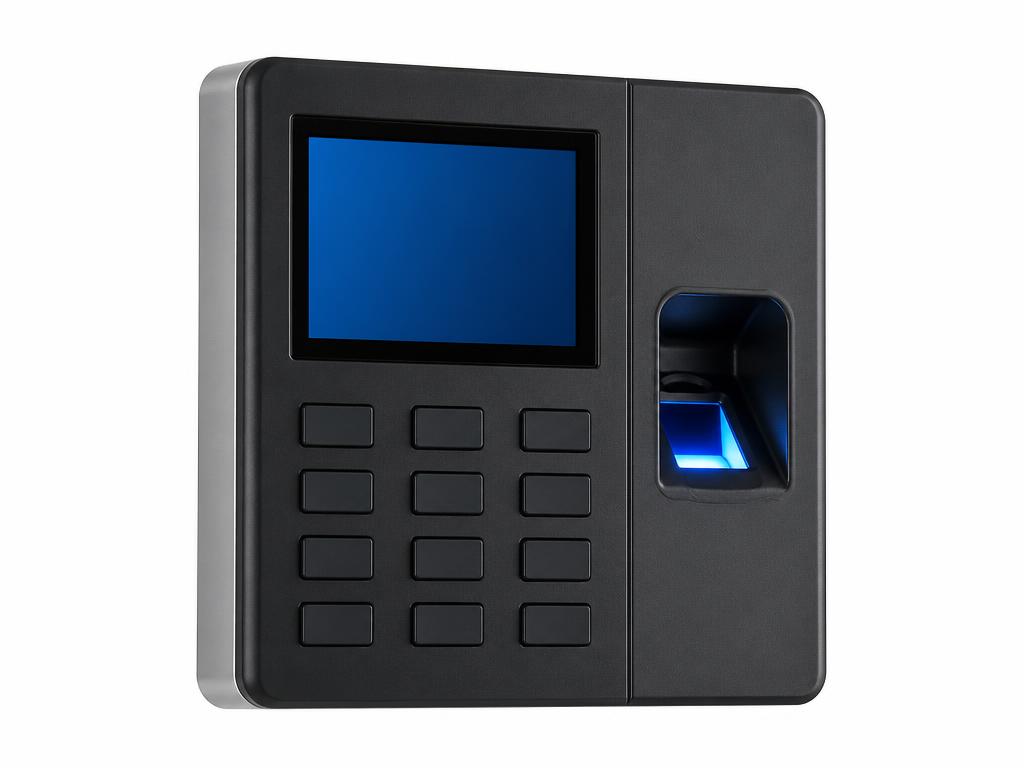
Biometric Readers
Biometric Access & Attendance Terminal
Fingerprint-based access and attendance terminal for doors and offices.
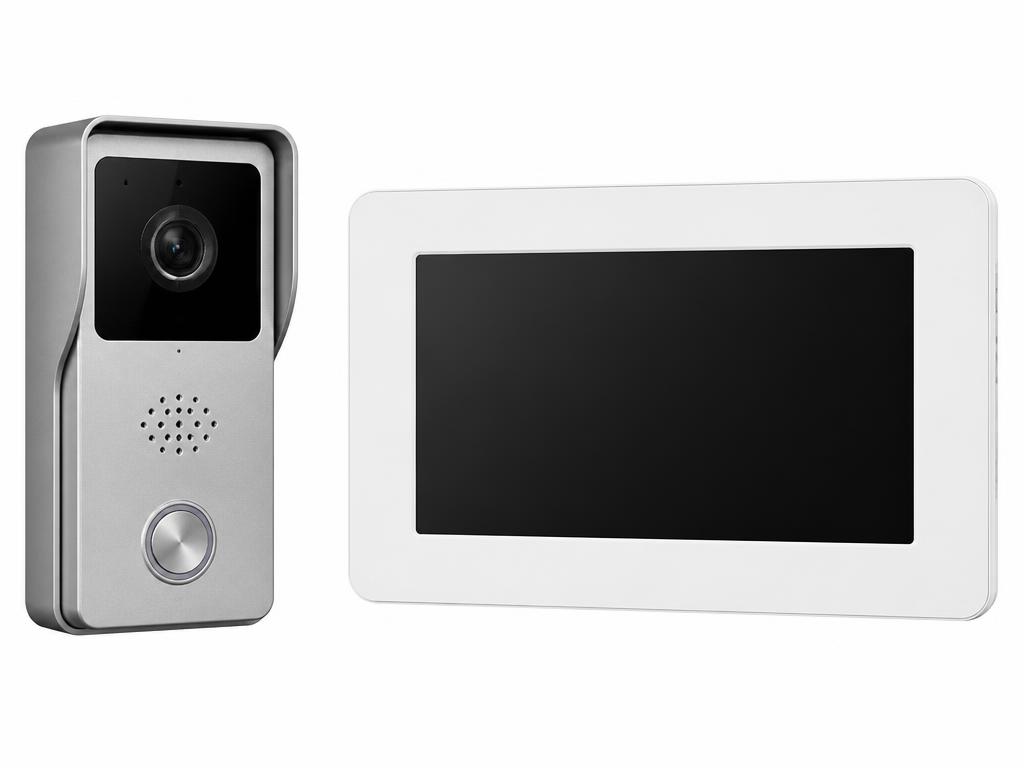
Video Door Phones
Video Door Phone
Door station and indoor monitor for visitor verification.
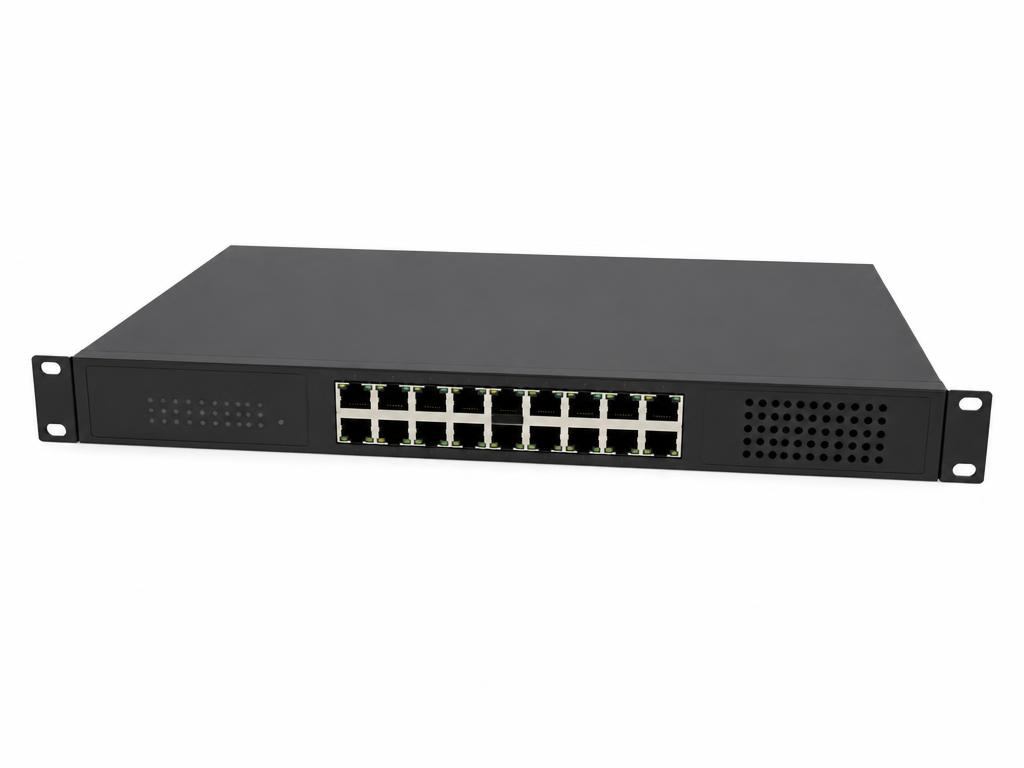
PoE Switches
PoE Network Switch
Powers and connects IP cameras and access devices over Ethernet.
Next step
System installed but not working as it should?
Tell us what equipment is on site and what you need it to do. We can configure, test and hand over the system properly.