
Infrastructure services
Networking services
Networking as a service is the cabling, switching and connectivity work that gets devices talking to each other — most often so a security system can record, be reached remotely and stay online.
This page is about the installation and configuration work. If you are looking for the wider networking system approach, see the networking solution; if you want the hardware itself, see the networking equipment category.
What networking services cover
Depending on the site and what is already installed, work may include:
Structured cabling
Data cabling run, routed and terminated to fixed points around the premises.
Containment and protection
Conduit, trunking or ducting where cable runs are exposed.
Switch installation
Switches fitted and connected in a sensible, accessible position.
PoE infrastructure
Powering devices over data cabling where the equipment supports it.
Routers and network equipment
Installation and basic setup of routers and related equipment.
Device connectivity
Cameras, recorders, controllers and intercoms connected and reachable.
Wireless links
Point-to-point links where cabling a route is impractical.
Fibre links
Fibre where distances exceed what copper cabling can carry.
Labelling and tidy-up
Cables labelled and dressed so future work is straightforward.
Expansion
Adding ports, runs or capacity to infrastructure already in place.
Achievable speeds, distances, port counts and power budgets depend on the cabling and equipment used on the site. These are confirmed against the actual hardware, not assumed.
Where networking work applies
Most security disciplines rely on network infrastructure at some point.
Networking
The cabling, switching and connectivity layer for the whole premises.
Fibre optics
Long runs between buildings, and conversion back to Ethernet at each end.
CCTV surveillance
Cabling and PoE for IP cameras, and connectivity for the recorder.
Access control
Network links between controllers, readers and management software.
Intercom systems
Connectivity for IP door stations and indoor monitors.
Intruder alarms
Connectivity for panels that report or are managed over the network.
When networking assistance helps
- IP cameras or other devices need cabling and power from a switch.
- The existing network cannot take any more devices.
- Cabling was run informally and is now unreliable or impossible to trace.
- Two buildings or a gatehouse need to be linked to the main network.
- A run is too long for copper cabling and needs fibre or a wireless link.
- Remote viewing or remote access does not work reliably.
- Devices drop off the network intermittently and nobody knows why.
- A system is being expanded and the infrastructure has to expand with it.
How networking work runs
- 01
Understand what must connect
Which devices need connectivity, and where they are located.
- 02
Review existing infrastructure
Cabling, switches and routers already on site, and their condition.
- 03
Plan routes and positions
Cable routes, switch positions, and where containment is needed.
- 04
Confirm scope and quotation
Cabling, equipment and labour set out in writing.
- 05
Install cabling
Runs pulled, protected and terminated at both ends.
- 06
Install and connect equipment
Switches, routers and links fitted and powered.
- 07
Configure and connect devices
Addressing and connectivity so devices are reachable.
- 08
Test, label and hand over
Connections tested, cabling labelled and the layout explained.
What to tell us when you enquire
None of this is mandatory, but the more of it you can share, the fewer questions we need to come back with.
Site location
The area or town, and how many buildings are involved.
What needs connecting
Cameras, recorders, controllers, computers, access points or a mix.
Rough distances
Approximate cable run lengths, especially anything over a long distance.
Existing network
Whether there is a switch, router or cabling already in place.
Internet service
Whether there is an internet connection and who provides it.
Building type
Ceiling and wall construction, and whether conduit already exists.
Power availability
Where power is available for switches and network equipment.
Photos where possible
Pictures of the existing rack, switch or cabling.
Related services
Networking work usually accompanies installation and commissioning, and is often the fix behind a connectivity fault.
Security System Installation
Mounting, cabling, power, configuration, testing and handover for new and replacement systems.
Configuration & Commissioning
Configuration and commissioning is the work that turns installed hardware into a system that behaves the way you need it to — recording the right things, admitting the right people and alerting the right person.
Troubleshooting
Troubleshooting is the work of finding out why a system is not behaving as it should — before any money is spent replacing equipment that may not be the cause.
Upgrades
An upgrade extends or modernises a system you already have — adding coverage, replacing what is failing and improving the parts that limit everything else, without discarding equipment that still does its job.
Related equipment
Networking and fibre equipment commonly used on this kind of work.
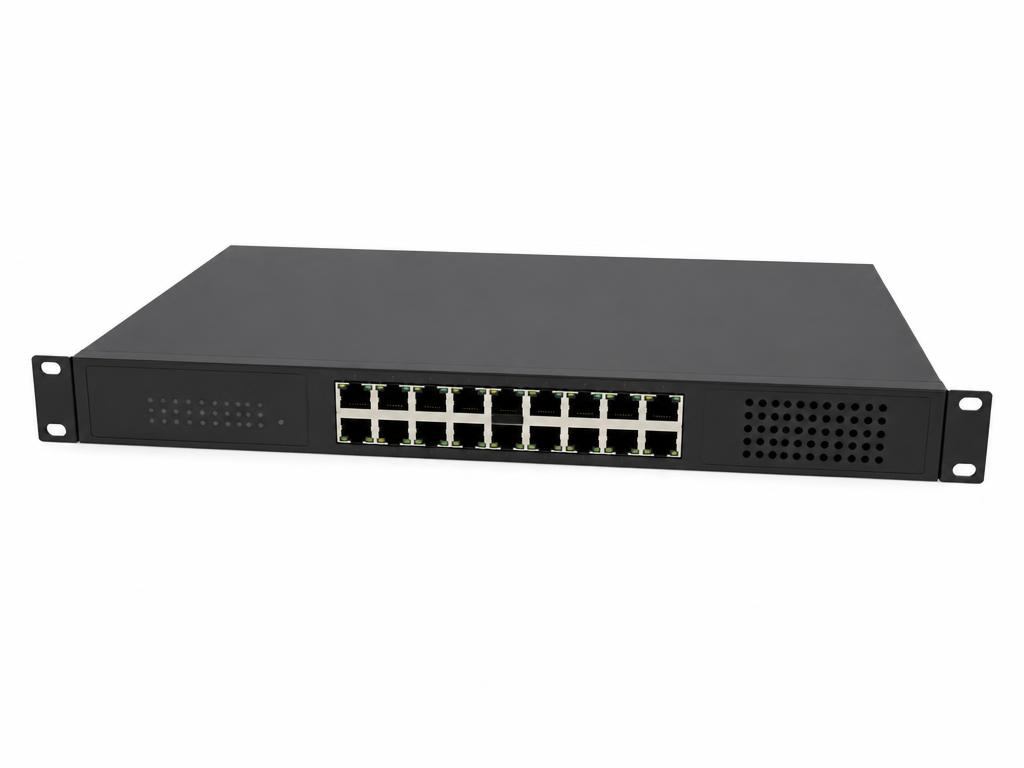
PoE Switches
PoE Network Switch
Powers and connects IP cameras and access devices over Ethernet.
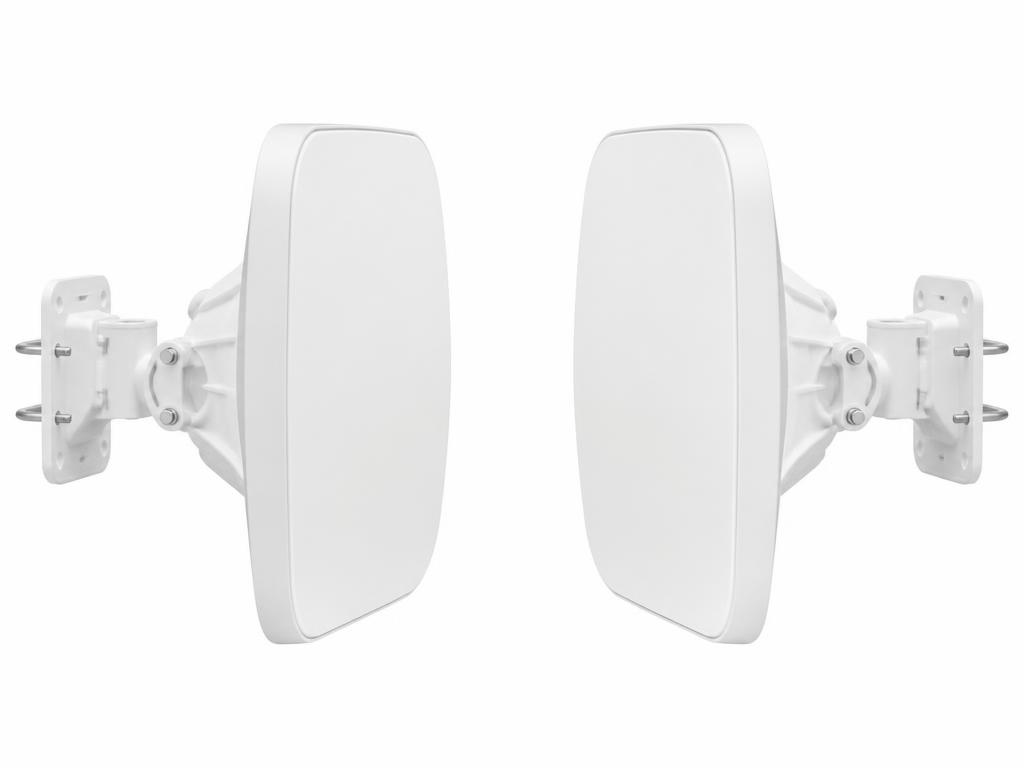
Wireless Links
Wireless Bridge Kit
Point-to-point link for sites where cabling is impractical.
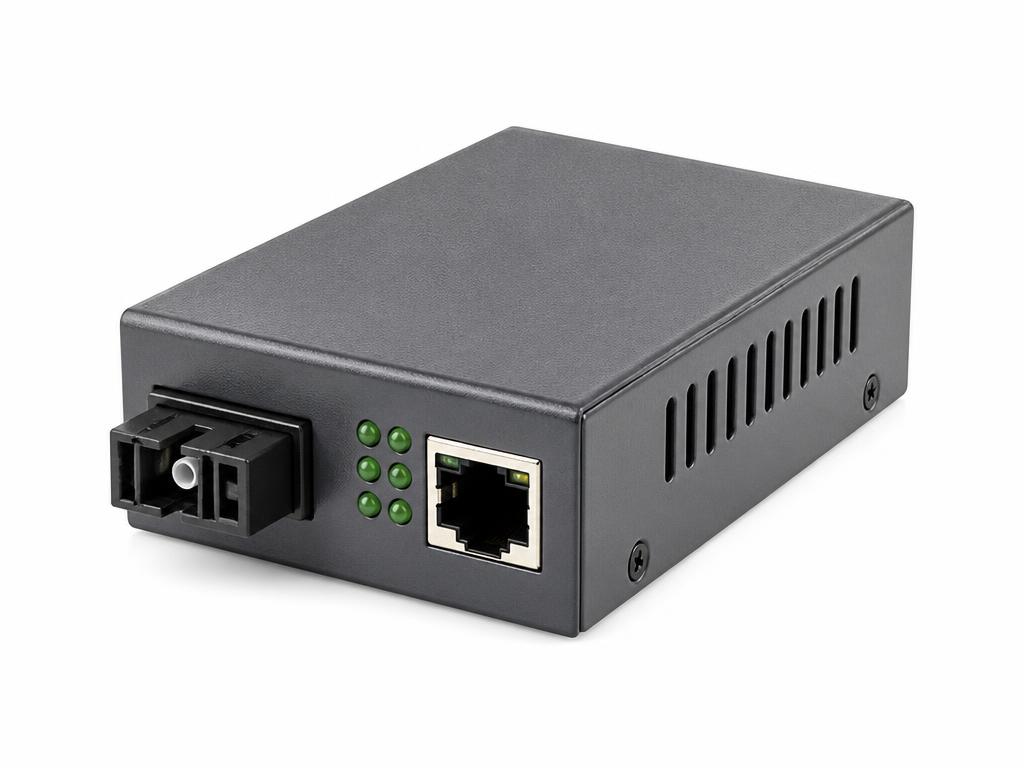
Media Converters
Fibre Media Converter
Converts fibre links to Ethernet for long-distance camera runs.
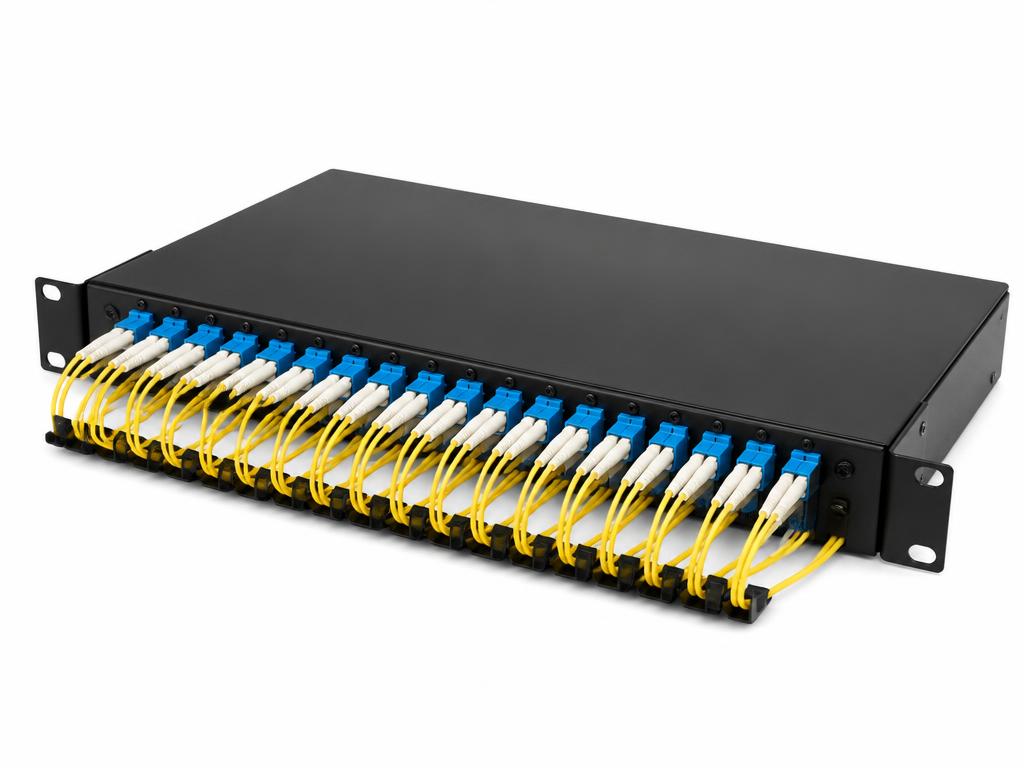
Patch Panels
Fibre Patch Panel
Termination and management point for fibre backbone links.
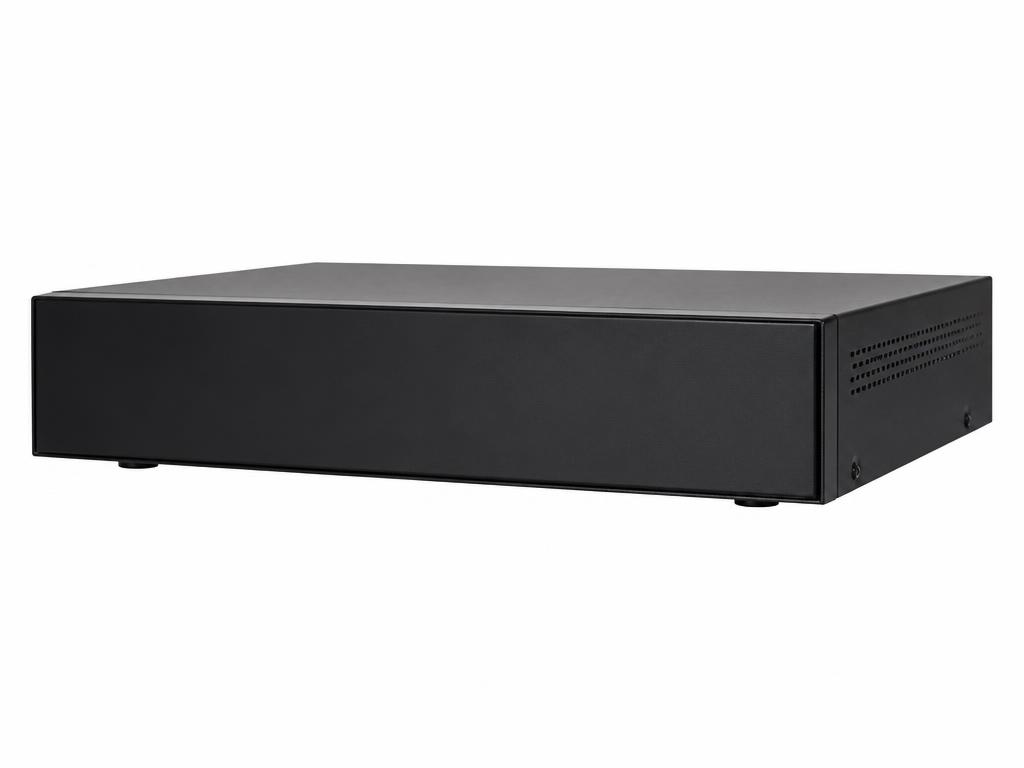
Network Video Recorders
Network Video Recorder (NVR)
Recording platform for IP camera systems with remote viewing capability.

Backup Power
Backup Battery
Standby power support for security equipment during outages.
Next step
Need cabling, switching or connectivity sorted?
Tell us what needs connecting, roughly how far apart things are and what is already installed. We will advise on the practical option.