
Extending what you already have
Security system upgrades
An upgrade extends or modernises a system you already have — adding coverage, replacing what is failing and improving the parts that limit everything else, without discarding equipment that still does its job.
Compatibility with existing equipment is assessed before an upgrade is recommended. Where old and new equipment cannot sensibly work together, we say so rather than assume it will.
What an upgrade covers
Upgrade work is shaped by what is already installed. It may include:
System expansion
Extending an existing system to areas it does not currently reach.
Additional devices
More cameras, readers, detectors, door stations or fence zones.
Replacing failing equipment
Devices that no longer perform reliably swapped out.
Replacing obsolete equipment
Equipment that can no longer be supported or expanded.
Improving coverage
Repositioning and adding devices to close known blind spots.
Cabling upgrades
Replacing or extending cabling that limits what can be added.
Network upgrades
More ports, PoE capacity or links between buildings.
Recording and storage
More channels or greater retention where the recorder allows it.
Integration
Making newer and existing equipment work together where compatible.
Phased delivery
Upgrading in stages where budget or operations require it.
We do not guarantee that older equipment will integrate with new equipment. Compatibility is checked against what is actually installed before anything is recommended.
Systems we upgrade
Upgrades apply across the disciplines we supply and install.
CCTV surveillance
More cameras, better coverage, additional channels or longer retention.
Access control
More controlled doors, additional readers or a larger controller.
Electric fencing
Additional zones, replacement energisers or extended perimeter runs.
Intruder alarms
Additional detection points, panel replacement or notification changes.
Fire detection
Additional detection coverage or zone expansion where the panel allows.
Intercom systems
More monitors, additional entrances or replacement door stations.
Networking
More ports, PoE capacity and cabling to support added devices.
Fibre optics
Fibre links where the system now spans distances copper cannot serve.
When an upgrade makes sense
- The premises has grown and the system no longer covers all of it.
- The recorder or controller has no free channels, doors or ports left.
- Image quality or detection performance is no longer adequate.
- Parts of the system fail regularly and repairs are becoming routine.
- Equipment is old enough that spares or support are hard to obtain.
- Footage retention is too short for how the site actually uses it.
- Remote access is needed on a system that was never set up for it.
- New areas, gates or buildings need to come onto the existing system.
How an upgrade runs
- 01
Understand the limitation
What the system cannot currently do that you need it to do.
- 02
Survey the existing system
What is installed, its condition and how it was cabled.
- 03
Assess compatibility
What can be retained, extended or must be replaced.
- 04
Propose the upgrade
Equipment, coverage changes and any infrastructure work required.
- 05
Agree scope and phasing
A written quotation, staged where that suits the site.
- 06
Carry out the work
Installation, cabling and network changes with disruption kept low.
- 07
Reconfigure and test
Existing and new equipment configured and verified together.
- 08
Hand over
The changes explained to whoever operates the system.
What to tell us when you enquire
None of this is mandatory, but the more of it you can share, the fewer questions we need to come back with.
Site location
The area or town where the system is installed.
Existing system
What is installed now, and roughly when it was installed.
Equipment details
Recorder, panel or controller make and model where known.
What you want to add
More cameras, more doors, more zones or wider coverage.
Current limitation
What the system will not do today that prompted the enquiry.
Cabling in place
Whether existing conduit or cabling can be reused.
Budget and phasing
Whether the upgrade must be delivered in stages.
Photos where possible
Pictures of the recorder, panel and a few device positions.
Related services
Upgrades usually start with an assessment of the existing system and end in installation work.
Site Surveys
A site survey is a visit to your premises to understand the building, what needs protecting and what the installation will practically involve before any equipment is recommended.
System Design
System design is the step between knowing what you want and knowing what to buy. It translates a requirement into a specific, workable arrangement of equipment, cabling and power for your premises.
Security System Installation
Mounting, cabling, power, configuration, testing and handover for new and replacement systems.
Networking
Networking as a service is the cabling, switching and connectivity work that gets devices talking to each other — most often so a security system can record, be reached remotely and stay online.
Related equipment
Equipment commonly added during an upgrade, subject to compatibility with what is already installed.
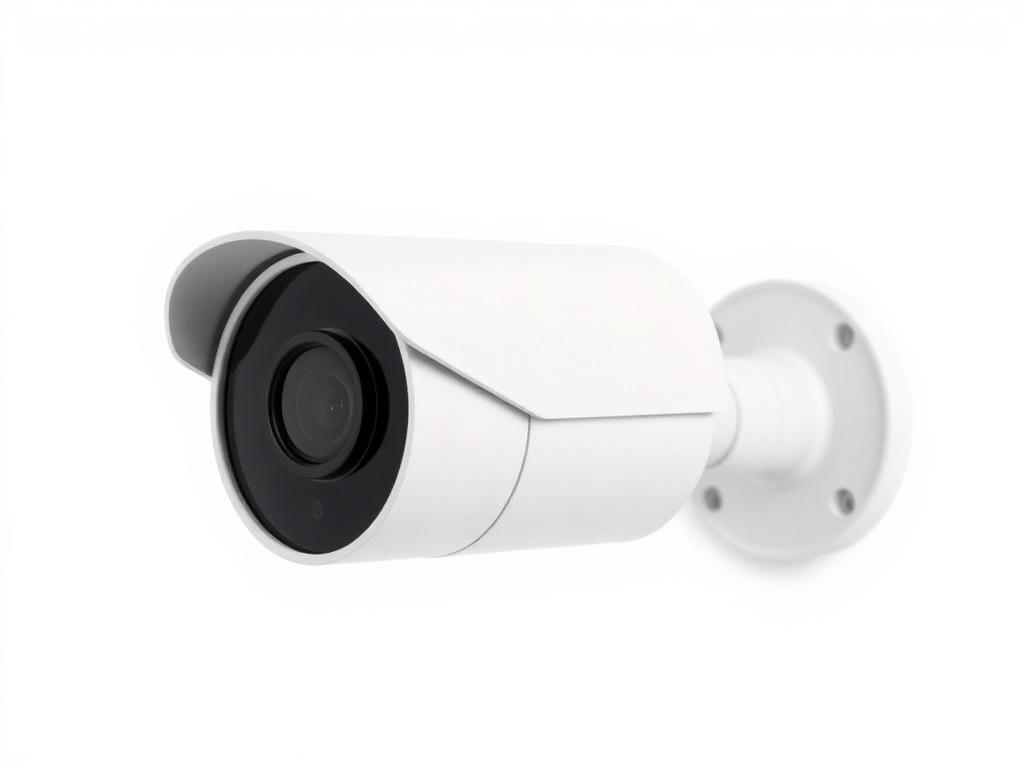
IP Cameras
IP Bullet Camera
Directional network camera for perimeters, driveways and entrances.
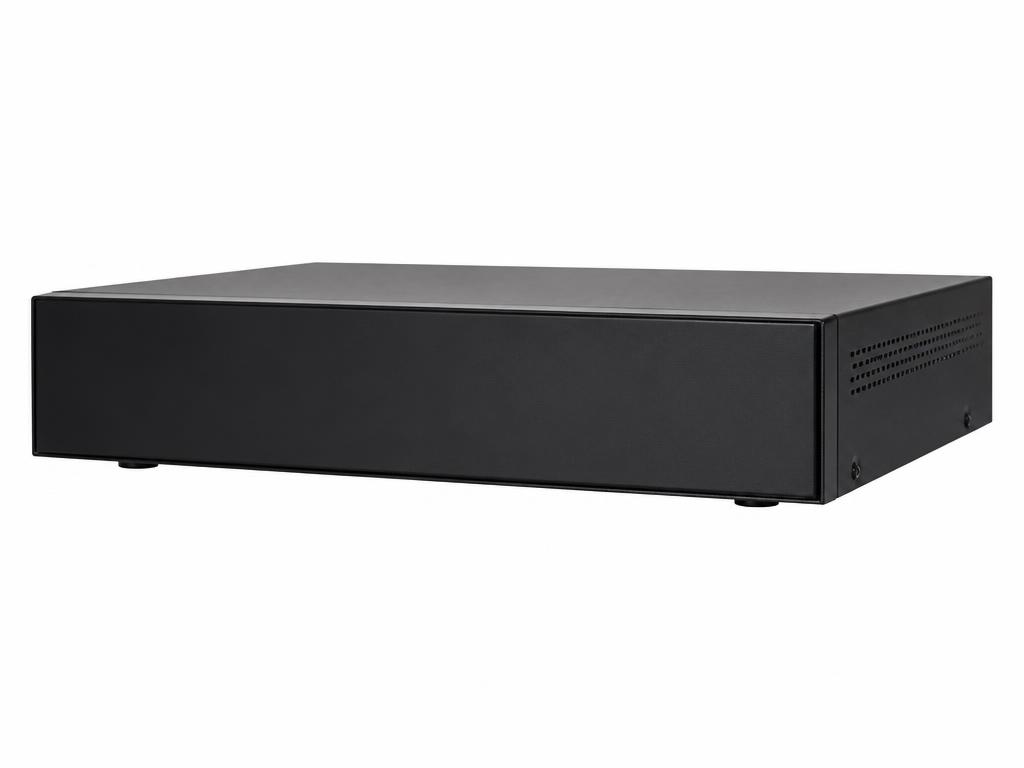
Network Video Recorders
Network Video Recorder (NVR)
Recording platform for IP camera systems with remote viewing capability.
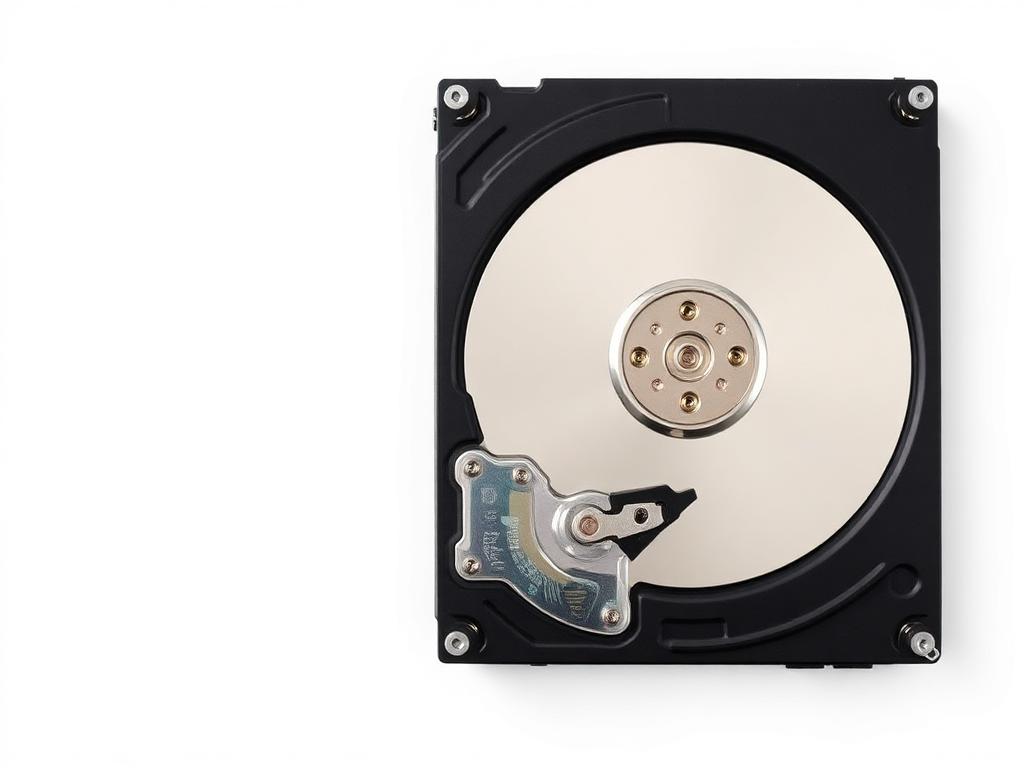
Storage Drives
Surveillance Hard Drive
Storage designed for continuous video recording workloads.
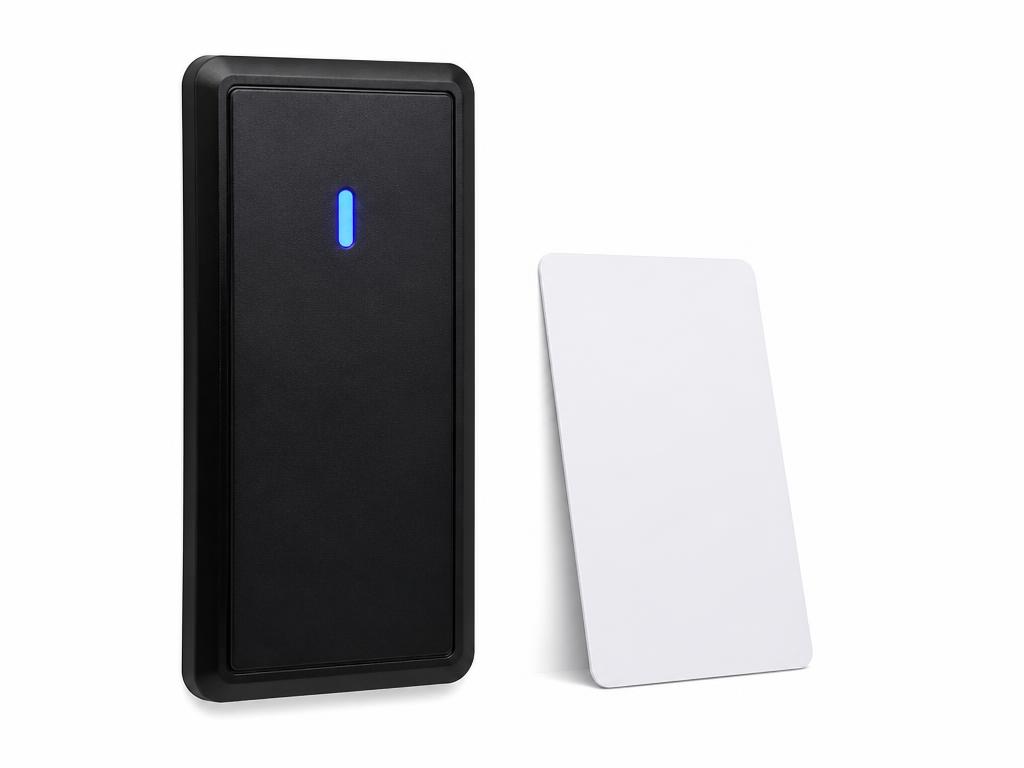
Card Readers
Card Access Reader
Card or fob reader for controlled doors, gates and restricted areas.
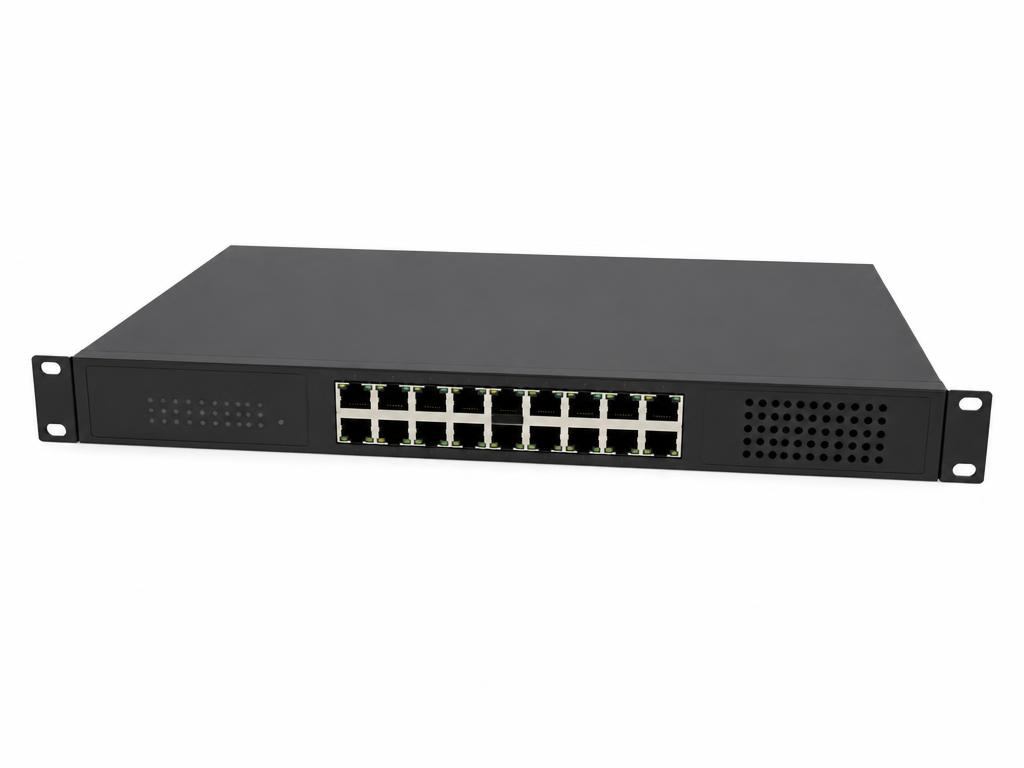
PoE Switches
PoE Network Switch
Powers and connects IP cameras and access devices over Ethernet.
Next step
Outgrown the system you have?
Tell us what is installed and what you need it to do. We will assess what can be retained before recommending anything new.