
Keeping systems working
Security system maintenance
Maintenance is planned attention to a working system so that faults are found while they are still small — and so that the system is actually recording, detecting and reporting when it is needed.
Most systems degrade quietly: a lens gets dirty, a battery ages, a hard drive fills, a detector drifts out of position. None of it announces itself until the system is needed.
What maintenance covers
A maintenance visit is matched to the system installed. It may include:
Routine inspection
A visual check of devices, enclosures, cabling and mountings.
Cleaning
Camera lenses, housings, detectors and readers cleaned where appropriate.
Alignment
Cameras and detectors repositioned where they have shifted or been knocked.
Connection checks
Terminations, plugs and cable entries checked for damage or looseness.
Power checks
Supplies and power distribution checked at the equipment positions.
Battery checks
Standby batteries checked and replacement advised where they are failing.
Recorder and storage checks
Recording status, retention and available storage reviewed.
Functional testing
Detection, door operation, alarm outputs and recording tested.
Emerging faults
Anything showing early signs of failure is identified and reported.
Recommendations
Clear advice on what should be repaired, replaced or left as it is.
We do not set a fixed maintenance interval here. Suitable frequency depends on the equipment, the environment and any manufacturer guidance, and is agreed with you.
Systems we maintain
Each discipline has its own wear points and checks.
CCTV surveillance
Lens cleaning, alignment, recording status and storage retention.
Access control
Reader condition, lock operation, door hardware and controller power.
Electric fencing
Wire tension, insulators, earthing and energiser operation.
Intruder alarms
Detector condition and coverage, panel battery and siren testing.
Fire detection
Detection device condition, zone testing and panel fault indication.
Intercom systems
Door station condition, call operation and gate release function.
Networking
Switch condition, connections and device connectivity.
When maintenance helps
- The system is relied on but has not been checked since installation.
- Cameras are dirty, misaligned or affected by weather and insects.
- You are not certain the recorder is still recording everything it should.
- Standby batteries are years old and have never been checked.
- Detectors trigger falsely or occasionally fail to trigger at all.
- An electric fence has vegetation, slack wire or damaged insulators along the line.
- Footage was needed recently and turned out to be missing or unusable.
- The premises is exposed to dust, coastal air or heavy rain.
Not every system can be maintained indefinitely. Where equipment is obsolete, badly deteriorated or unsupported, we will say so and discuss replacement instead.
How a maintenance visit runs
- 01
Confirm the system
What is installed, when it was installed and any known issues.
- 02
Agree scope and access
What will be checked, and when the site is available.
- 03
Inspect the equipment
Devices, enclosures, cabling and mountings checked on site.
- 04
Clean and realign
Lenses, housings and detectors cleaned and repositioned as needed.
- 05
Check power and batteries
Supplies and standby batteries checked at each position.
- 06
Check recording and storage
Retention, recording status and storage health reviewed.
- 07
Test the system
Detection, doors, alarms and recording tested end to end.
- 08
Report and recommend
What was done, what needs attention and what can wait.
What to tell us when you enquire
None of this is mandatory, but the more of it you can share, the fewer questions we need to come back with.
Site location
The area or town where the system is installed.
System type
CCTV, access control, fencing, alarm, fire detection, intercom or a mix.
Rough size
Approximate number of cameras, doors, detectors or perimeter length.
Age of the system
Roughly when it was installed, if known.
Who installed it
Whether it was us or another contractor — either is fine.
Known issues
Anything already misbehaving, so it can be looked at during the visit.
Last maintenance
When the system was last checked, if ever.
Access arrangements
Working hours and who can give access to equipment positions.
Related services
Maintenance often uncovers work that belongs to troubleshooting or an upgrade.
Troubleshooting
Troubleshooting is the work of finding out why a system is not behaving as it should — before any money is spent replacing equipment that may not be the cause.
Upgrades
An upgrade extends or modernises a system you already have — adding coverage, replacing what is failing and improving the parts that limit everything else, without discarding equipment that still does its job.
Configuration & Commissioning
Configuration and commissioning is the work that turns installed hardware into a system that behaves the way you need it to — recording the right things, admitting the right people and alerting the right person.
Technical Support
Technical support is the advice side of what we do: helping you choose the right equipment, check compatibility, get something configured, or work out why a system is not behaving.
Related equipment
Consumable and wear items most often replaced during maintenance.
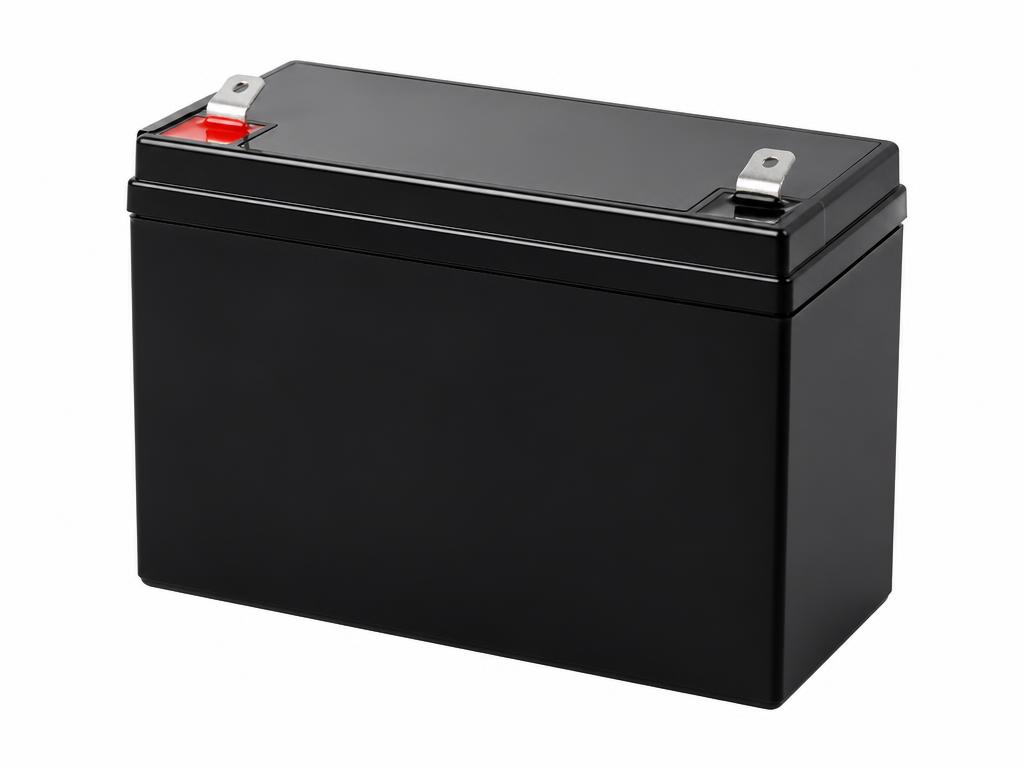
Backup Power
Backup Battery
Standby power support for security equipment during outages.
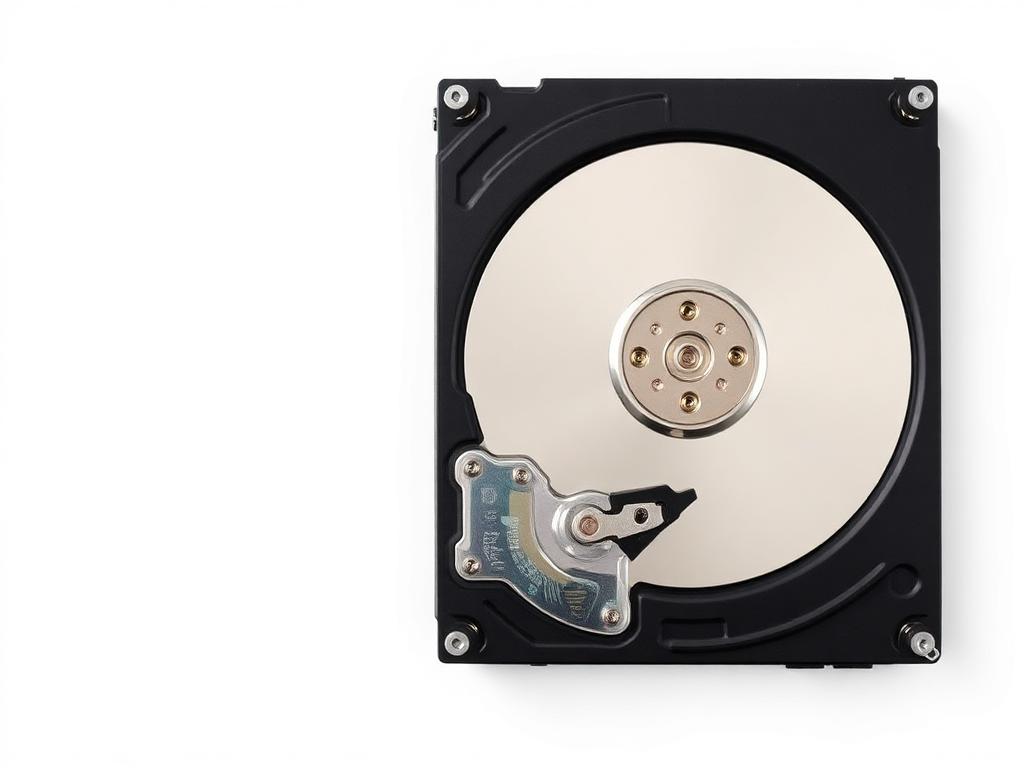
Storage Drives
Surveillance Hard Drive
Storage designed for continuous video recording workloads.
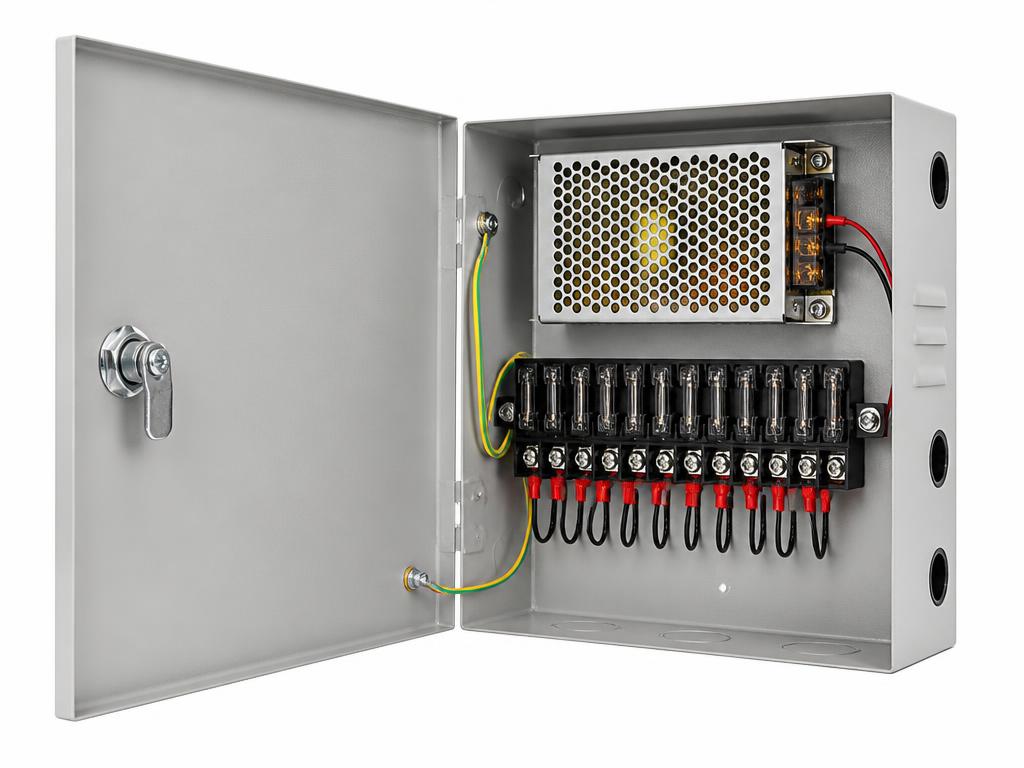
Power Supplies
CCTV Power Supply Unit
Centralised power distribution for multi-camera installations.
Next step
When was your system last checked?
Tell us what is installed and roughly how old it is. We will advise on what a maintenance visit should cover for that system.